1
English
Menu Options
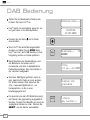
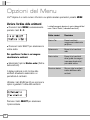
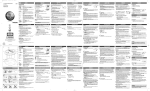
Uno™ has a number of functions that are accessed through the MENU button.
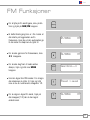
To change station order
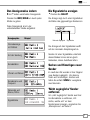
Press MENU, then press < or > until the
name of the option is displayed:
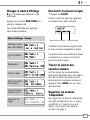
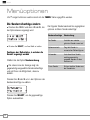
The following table describes the options
available under the ‘Station Order’ menu:
Station order
¯ ˘
or Description
SELECT
¯Station order ˘
Fav station
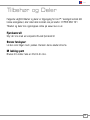
Press SELECT to select your choice.
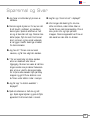
To specify the order in which stations are
displayed
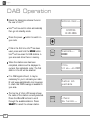
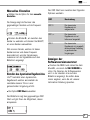
Select the Station order option.
The top line of the display shows the
currently selected station order and allows
you to change it.
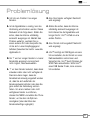
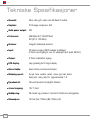
Press < or > to step between the station
order options:
Press SELECT to select the current option.
8
Lists the most frequently
selected stations first.
Alphanumeric
Displays all stations in
¯Fav stat
ion
˘
alphanumeric
order.
Alphanumeric
Active station
Lists active stations
[ones that are currently
broadcasting] before
inactive ones.
¯ ˘ or SELECT
Prune stations
Remove
inactive
¯Station
order
˘stations
from the station list.
Alphanumeric
¯Fav station
˘