1
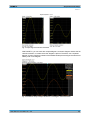
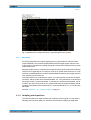
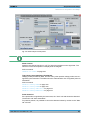
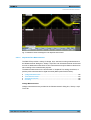
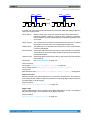
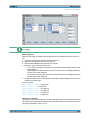
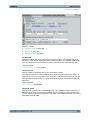
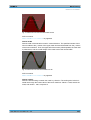
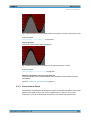
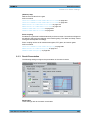
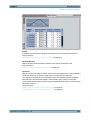
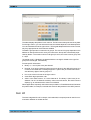
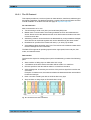
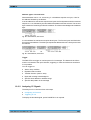
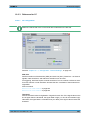
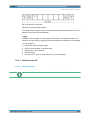
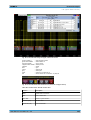
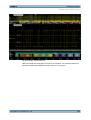
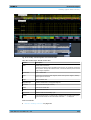
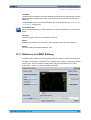
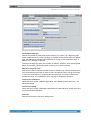
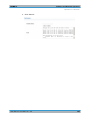
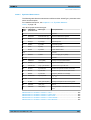
R&S®RTO Mask Testing About Mask Testing 8 Mask Testing 8.1 About Mask Testing Masks are used to determine whether the signal remains within specified limits, e.g. to uncover signal anomalies or test compliance and stability of digital signals. The limits are specified as "mask", which is laid over the input signal in the display. Thus you can easily detect where the signal violates the mask. Mask testing with R&S RTO has only a minor impact on the acquisition rate, thus mask violations are detected very fast and reliably. With R&S RTO, you can define own masks easily. Specific actions can be executed when mask violations occur. For error analysis, you can stop the acquisition on a failed test and use the history view to look at the previous waveforms. Mask test A mask test consists of: ● Mask definition ● Waveform to be tested ● Fail criteria for test ● Actions to be taken on violation or successful completion Mask Definition A mask can be created in several ways: ● The individual mask points are defined, either on the touch screen or as numerical values. This mask type is called user mask. For details, see chapter 8.3.2.1, "Mask Definition: User Mask", on page 227. ● The mask is derived from an existing waveform. This mask type is called waveform mask. For details, see chapter 8.3.2.2, "Mask Definition: Waveform Mask", on page 230. Fail Criteria for Testing The fail criteria for a mask test is set by two parameters: "Fail condition" and "Violation tolerance". Fail condition defines if sample hits or the number of acquisitions with sample hits are considered. Violation tolerance sets the number of tolerable sample hits or acquisition hits. A test has failed if the number of sample hits or acquisition hits exceeds the limit of violation tolerance hits. See also: "Fail condition, Violation tolerance" on page 226. 8.1.1 Results of a Mask Test The result box of a mask test shows the following test results: User Manual 1316.0827.02 ─ 06 215