1
ADVANCED PROGRAMMING
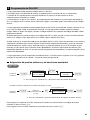
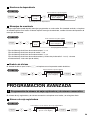
1 Register Number and Consecutive Number Programming
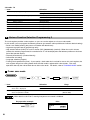
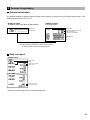
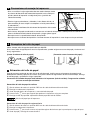
Register number and consecutive number are printed on every receipt and journal.
When your store has two or more registers, it is practical to set separate register numbers for identification. The
consecutive number is increased by one each time a receipt and/or journal is issued.
For consecutive number programming, enter a number (max. 4 digits) that is one less than the desired starting
number.
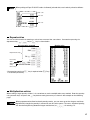
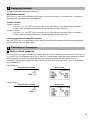
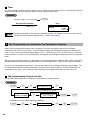
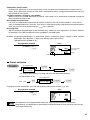
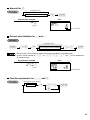
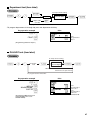
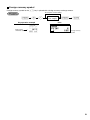
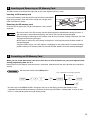
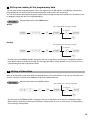
Register number
To set the register number “0”
s
1
@
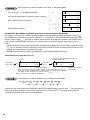
Register number (one to six digits)
Key operation example
s
A
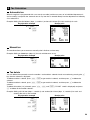
Print
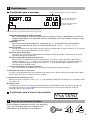
s1@
123456 s A
Register number
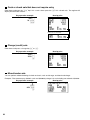
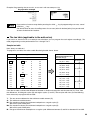
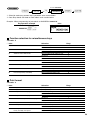
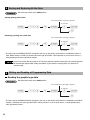
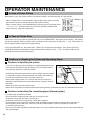
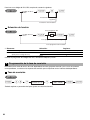
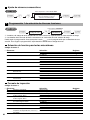
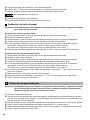
Setting consecutive numbers
To begin the count from 0001
s
2
@
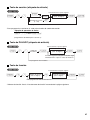
A number (one to four digits) that is one
less than the desired starting number
Key operation example
s2@
1000 s A
s
A
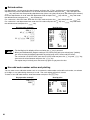
Print
Consecutive
number
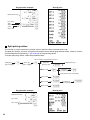
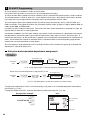
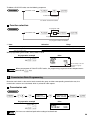
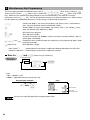
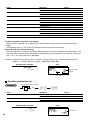
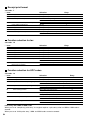
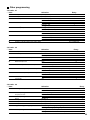
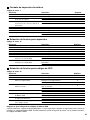
2 Various Function Selection Programming 1
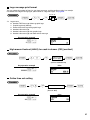
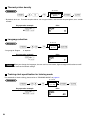
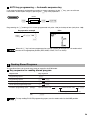
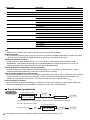
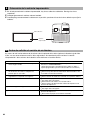
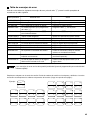
The cash register provides various detailed functions listed below.
• Function selection for miscellaneous keys
• Print format
• Receipt print format
• Function selection for tax
• Function selection for UPC codes
• Others
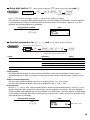
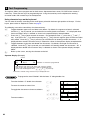
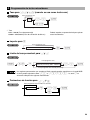
For this programming, the job code entry style is applied. You can continue programming until you press the
A key for the programming described in this section. To continue programming, repeat from a job code
entry.
52