1
On-Screen Menu (continued)
VIDEO CONFIGURATION SUBMENU (continued)
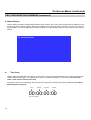
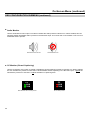
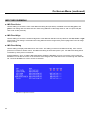
■ Curtain Color
Use this setting to choose the default color displayed on the screen when no video input is present. Available colors
are blue, red, green, white, and black.
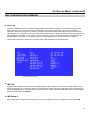
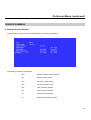
■ Ctemp/Gamma
Use this setting to choose one of three color temperature / gamma presets:
•
•
•
•
D55 (5500K)
D65 (6500K)
D93 (9300K)
Linear (No gamma applied)
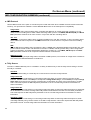
■ Framelock Preference
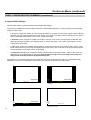
Used to designate one of the inputs as a reference for synchronizing image scaling when in any Quad Mode. This
allows monitor to use a known-stable input source as a reference-lock to the entire system. This can improve
performance when 1 or more inputs are frequently switched and are non-synchronous. In some conditions, selecting
freerun will reduce the time needed for image lock.
•
•
•
•
•
Ch.1
Ch.2
Ch.3
Ch.4
Freerun
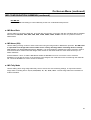
■ Analog Phase (DVI-Analog or VGA input only)
Adjusts the analog phase value to improve picture quality on DVI-A or VGA Sources. This adjusts the signal phase
(not color phase) of the analog-to-digital conversion.
• 0-31 (value)
15