1
Managing System Files
Application Examples for File Management
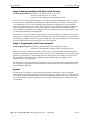
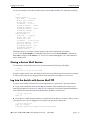
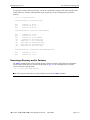
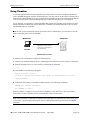
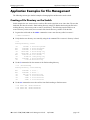
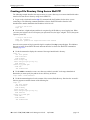
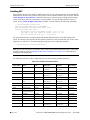
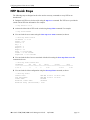
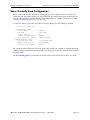
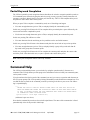
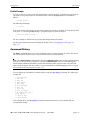
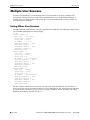
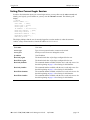
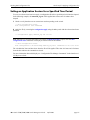
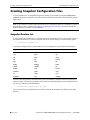
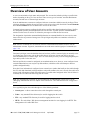
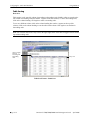
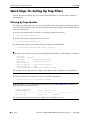
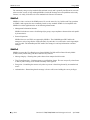
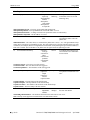
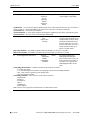
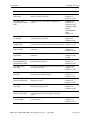
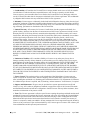
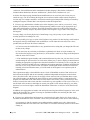
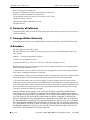
6 To verify that the Fadvrout.img file is in the /flash/working directory on the switch. Log onto the
switch and list the files in the /flash/working directory.
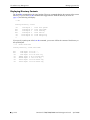
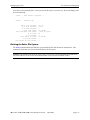
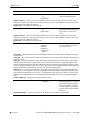
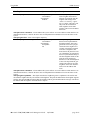
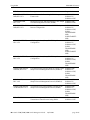
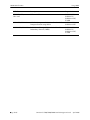
-> ls /flash/working
Listing Directory /flash/working:
drw
drw
-rw
-rw
-rw
-rw
-rw
-rw
-rw
-rw
-rw
2048
2048
670979
2877570
217119
727663
184312
236713
5519
467850
880
Feb 4
Feb 5
Feb 5
Feb 4
Feb 4
Feb 4
Feb 4
Feb 4
Feb 4
Feb 4
Jan 31
10:45
14:05
14:44
10:33
10:33
10:33
10:33
10:34
10:34
10:34
13:05
./
../
Fadvrout.img
Fbase.img
Fdiag.img
Feni.img
Fenisym
Fqos.img
Frelease.img
Frout.img
boot.cfg
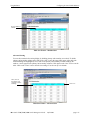
This list verifies that the file is located on the switch in the /flash/working directory.
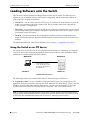
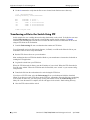
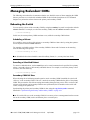
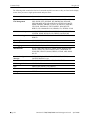
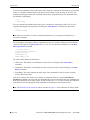
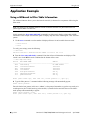
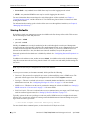
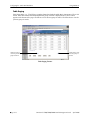
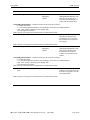
7 Execute the install command to register the advanced routing file Fadvrout.img. The following will
display:
-> install Fadvrout.img
renaming file temp.img -> /flash/working/Frelease.img
Installation of Fadvrout.img was successful.
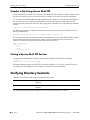
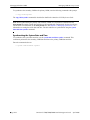
The features and services supported by the Fadvrout.img image file are now available on the switch.
FTP Client Application Example
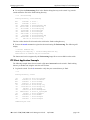
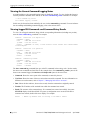
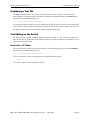
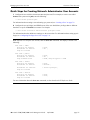
The following example shows how to transfer a file named rrtext.txt from the switch’s /flash/working
directory to another host using the switch as an FTP client.
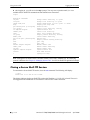
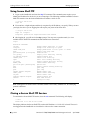
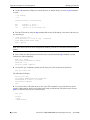
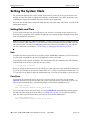
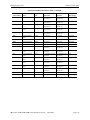
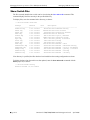
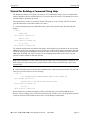
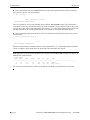
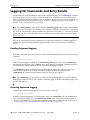
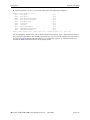
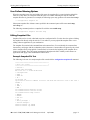
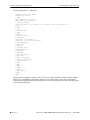
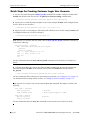
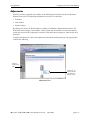
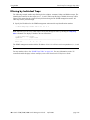
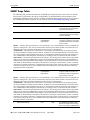
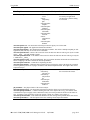
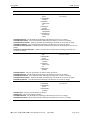
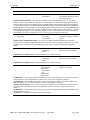
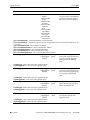
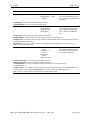
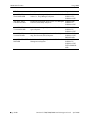
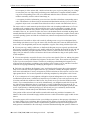
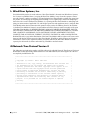
1 Log into the switch. Use the ls command to verify that your current directory is /flash.
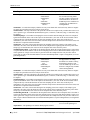
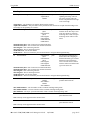
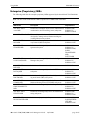
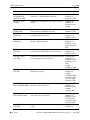
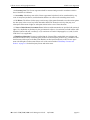
-> ls
Listing Directory /flash:
-rw
drw
drw
drw
-rw
-rw
-rw
-rw
-rw
-rw
drw
-rw
-rw
272
2048
2048
2048
10000
10000
445
7298
2662306
543
2048
1452
1452
Nov
Nov
Nov
Oct
Nov
Nov
Nov
Oct
Nov
Nov
Nov
Nov
Nov
12
12
3
2
12
12
1
24
8
1
12
7
7
15:57
17:52
12:32
16:22
15:58
17:50
11:43
16:51
16:44
12:02
17:50
12:50
12:42
boot.params
certified/
working/
switch/
swlog1.log
swlog2.log
aaasnap
websnap1024
cs_system.pmd
aaapublic
newdir/
nssnap76
iesnap76
16480256 bytes free
OmniSwitch 7700/7800/8800 Switch Management Guide
April 2006
page 2-29