1
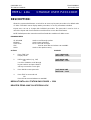
SAMSUNG DCS
TECHNICAL MANUAL
PROGRAMMING
December 1996
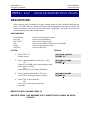
MMC: 301
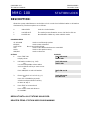
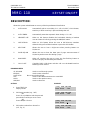
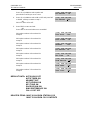
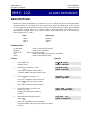
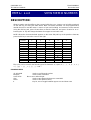
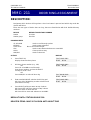
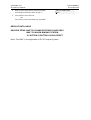
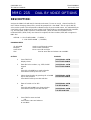
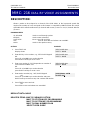
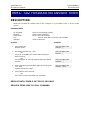
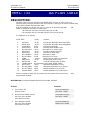
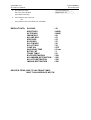
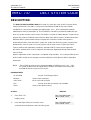
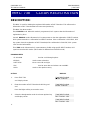
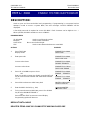
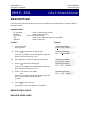
ASSIGN STATION COS
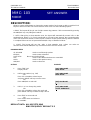
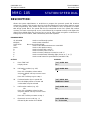
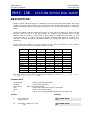
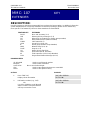
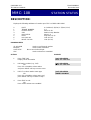
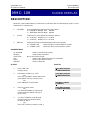
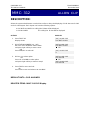
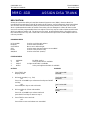
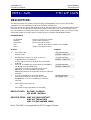
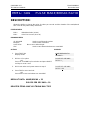
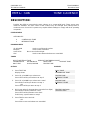
DESCRIPTION:
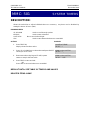
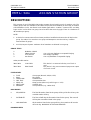
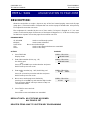
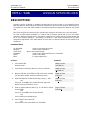
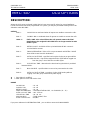
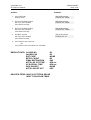
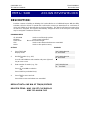
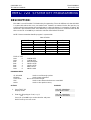
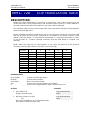
Used to assign a day and night class of service to each keyset. There are 30 different classes of
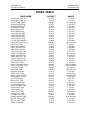
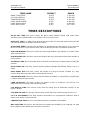
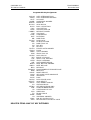
service that are be defined in MMC 701 Assign COS Contents. Classes of service are numbered
01–30.
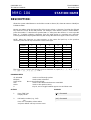
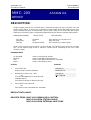
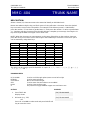
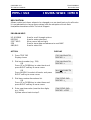
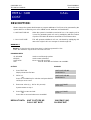
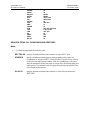
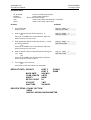
PROGRAM KEYS
UP & DOWN
KEYPAD
SOFT KEYS
SPK
HOLD
ANS/RLS
Used to scroll through options
Used to enter selections
Move cursor left and right
Used to store data and advance to next MMC
Used to clear previous entry
Used to select ALL
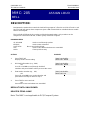
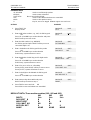
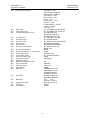
ACTION
DISPLAY
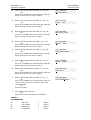
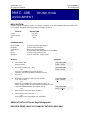
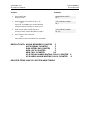
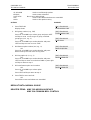
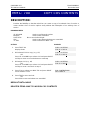
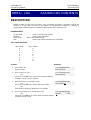
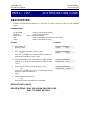
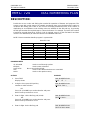
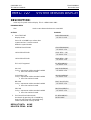
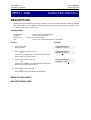
1.
Press TRSF 301
Display shows first station
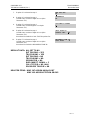
[201] STN COS
DAY:01 NIGHT:01
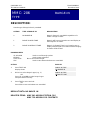
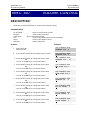
2.
Dial station number (e.g., 205)
OR
Use UP and DOWN to scroll through stations and press
RIGHT soft key to advance to step 3
OR
Use UP and DOWN to scroll through stations and press
LEFT soft key to advance to step 4
OR
Press ANS/RLS to select all stations
[205] STN COS
DAY:01 NIGHT: 01
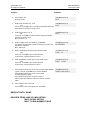
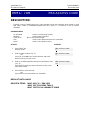
3.
Enter day class of service (e.g., 05)
OR
Use UP and DOWN to scroll through classes of service
and press RIGHT soft key to advance to step 4
OR
Use UP and DOWN to scroll through classes of service
and press LEFT soft key to return to step 2
[205] STN COS
DAY:05 NIGHT:01
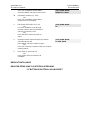
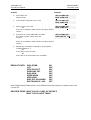
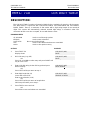
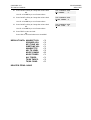
4.
Enter night class of service (e.g., 05)
OR
Use UP and DOWN to scroll through classes of service
and press RIGHT soft key to return to step 2
OR
Use UP and DOWN to scroll through classes of service
and press LEFTt soft key to return to step 3
[205] STN COS
DAY:05 NIGHT:05
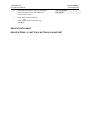
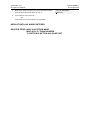
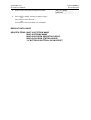
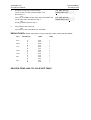
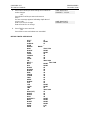
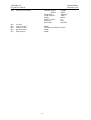
5.
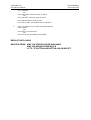
Press TRSF to save and exit
OR
Press SPK to save and advance to next MMC
[ALL] STN COS
DAY:?? NIGHT:??