1
OPERATIONS
FROM THE RGB PIP MENU
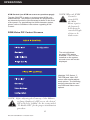
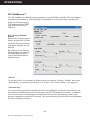
Once the desired RGB PIP is highlighted, press the “Menu” button on the display to access the RGB PIP submenu. Within the submenu, the following options are accessible:
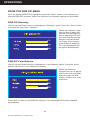
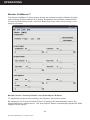
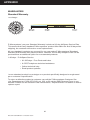
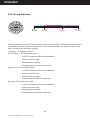
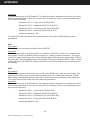
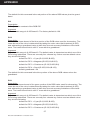
RGB PIP Geometry
Use the Up and Down buttons to highlight the “Geometry” option. Press the “Menu” button
to access the “Geometry” submenu.
Within this submenu, highlight the item to alter, and
use the Left and Right buttons to adjust the PIP size,
the Horizontal Positioning
and the Vertical Positioning. Press “Exit” to return
to the RGB PIP submenu.
The new adjustments will
be applied automatically.
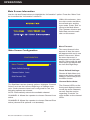
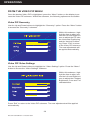
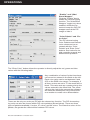
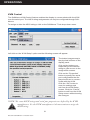
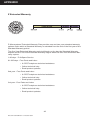
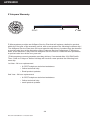
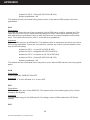
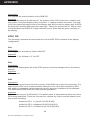
RGB PIP Color Balance
Use the Up and Down buttons to highlight the “Color Balance” option. Press the “Menu”
button to access the “Color Balance” submenu.
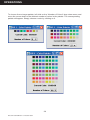
Within this submenu,
highlight the color to adjust,
and use the Left and Right
buttons to alter the Red,
Green and Blue color characteristics.
Press “Exit” to return to the RGB PIP submenu. The new adjustments will be applied
automatically.
18
Doc# 27-0027UM Rev 1.0 Issued 10/04