1
Chapter 4 - Configuring the Master MultiVOIP
30.
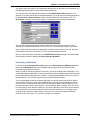
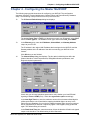
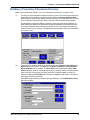
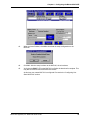
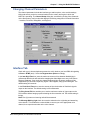
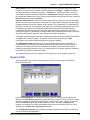
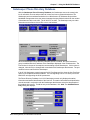
Accept the default Port Number 1719.
CAUTION: The default setting for the Gatekeeper Port Number is 1719. This can be
changed to a different value by the Gatekeeper administrator. If you decide to change the
default Port Number, you must use the same number on the Gatekeeper and all other
H.323 endpoints.
31.
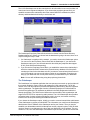
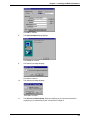
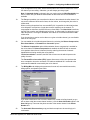
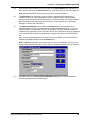
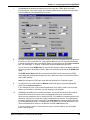
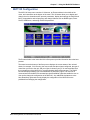
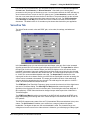
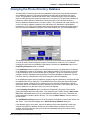
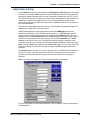
When you are finished with this dialog box, click Add to begin building your phone directory
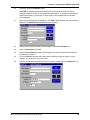
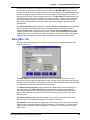
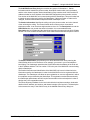
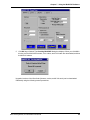
database. The Add/Edit Phone Entry dialog box displays.
32.
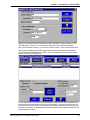
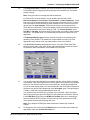
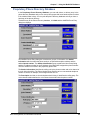
Enter the unique phone number of the local device in the Phone Number box.
33.
Leave the Description box blank.
34.
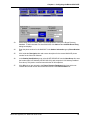
Enter the Voice Channel number corresponding to the phone number entered. MVP120
will always be Channel 1.
35.
Fill in the H.323 ID / alias box with a description to identify the phone number. For this
example, you could enter “New York Office”.
36.
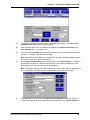
Enter the IP Address of the MultiVOIP you are currently configuring in the IP Address box.
Multi-Tech Systems, Inc. MultiVOIP User Guide
29