1
User's Guide.book Page 100 Tuesday, May 25, 2004 11:49 AM
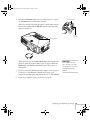
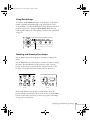
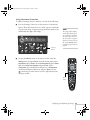
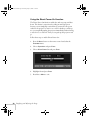
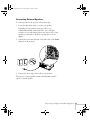
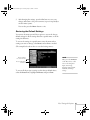
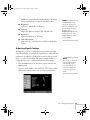
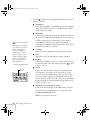
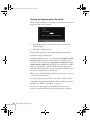
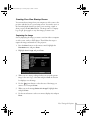
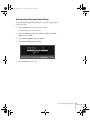
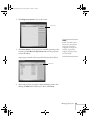
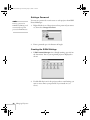
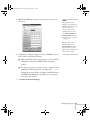
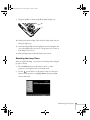
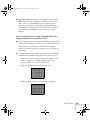
3. Select Lamp Hours Reset and press Enter. You see this prompt:
4. Select Yes and press Enter.
5. When you’re finished, press Esc or Menu to exit.
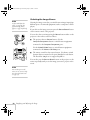
Transporting the Projector
The projector contains many glass and precision parts. Follow these
guidelines to prevent damage:
note
■
When shipping the projector for repairs, use the original
packaging material if possible. If you do not have the original
packaging, use equivalent materials, placing plenty of cushioning
around the projector.
■
When transporting the projector a long distance, first place it in a
hard-shell shipping case, then pack it in a firm box with
cushioning around the case. (An optional case is available from
Epson; see page 13.)
Epson shall not be liable for
any damages incurred
during transportation.
100
Maintaining the Projector