1
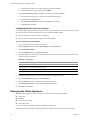
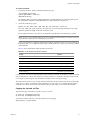
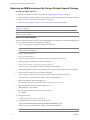
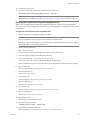
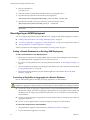
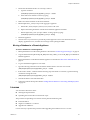
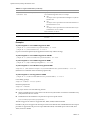
Chapter 2 Installing ADM 7 Type the following information to configure the Windows Collector: Aggregator IP Address Windows Collector unique ID NOTE This is the same identifier that was defined on the Aggregator side for WMI discovery. The default value is 200. 8 Click Next. The Installation screen appears. 9 Click Install to begin the installation. NOTE The process of installing and configuring the Windows Collector can take several minutes. 10 Click Finish to close the InstallShield Wizard screen when the installation process is complete. Uninstall To uninstall the ADM Windows Collector 1 Open the Windows Control Panel. 2 In the Control Panel window, select Program > Uninstall a Program. The Uninstall or change a porgram screen appears. 3 Double‐click or right‐click and select Uninstall to initiate removal of the ADM Windows Collector. NOTE The removal of the Windows Collector can take several minutes. 4 VMware, Inc. Click Finish to close the InstallShield Wizard screen when the uninstallation process is complete. 21