1
Preface
Connecting the Keyboard ................................................................ 73
Connecting the WebCam................................................................. 73
Connecting the Printer ..................................................................... 74
Connecting the External Monitor or TV............................................ 74
Connecting the IEEE 1394 Devices................................................. 75
Connecting the Communication Devices ............................................ 76
Using the LAN.................................................................................. 76
Using the Modem............................................................................. 76
Express PC Card Installation .................................................................. 77
Installing the Express Card.................................................................. 77
Removing the Express Card................................................................ 77
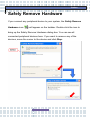
Safely Remove Hardware ....................................................................... 78
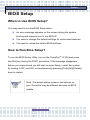
BIOS Setup ............................................................................................. 79
When to Use BIOS Setup?.................................................................. 79
How to Run Bios Setup? ..................................................................... 79
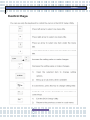
Control Keys ........................................................................................ 80
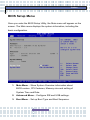
BIOS Setup Menu................................................................................ 81
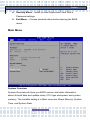
Main Menu ....................................................................................... 82
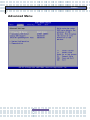
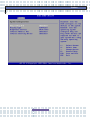
Advanced Menu................................................................................... 84
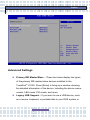
Advanced Settings ........................................................................... 86
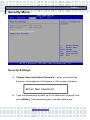
Security Menu...................................................................................... 88
Security Settings .............................................................................. 88
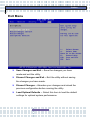
Boot Menu ........................................................................................... 90
Exit Menu............................................................................................. 91
The Computer’s CMOS Battery Care.................................................. 92
Regulatory Notices.................................................................................. 94
5