1
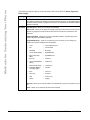
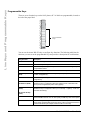
Customizing Your Phone
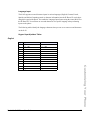
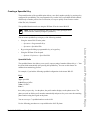
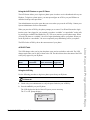
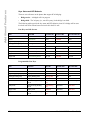
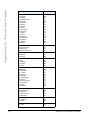
Portguese
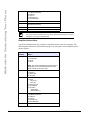
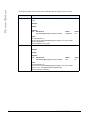
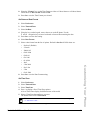
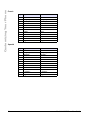
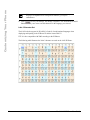
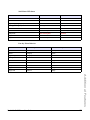
Key
Uppercase Characters
Lowercase Characters
0
0
0
1
1.:;=_,-'&()
1.:;=_,-'&()
2
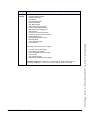
ABC2ÁÀÂÃÇ
abc2áàâãç
3
DEF3ÉÊ
def3éê
4
GHI4Í
ghi4í
5
JKL5
jkl5
6
MNO6ÓÔÕ
mno6óôõ
7
PQRS7
pqrs7
8
TUV8ÚÜ
tuv8úü
9
WXYZ9
wxyz9
*
* <SPACE>
* <SPACE>
#
#/\@
#/\@
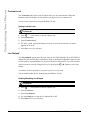
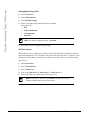
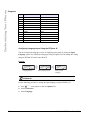
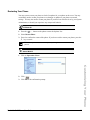
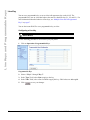
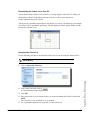
Configuring Language Input Using the IP Phone UI
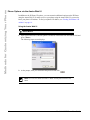
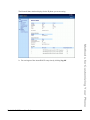
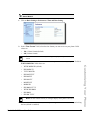
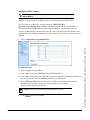
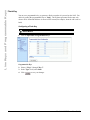
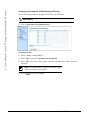
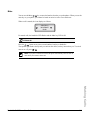
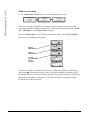
You can configure the language you use for inputting on the phone by setting the Input
Language option. The default input language setting is English. You can change this setting
using the IP Phone UI or the Aastra Web UI.
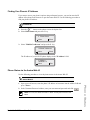
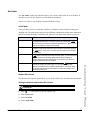
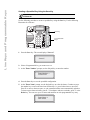
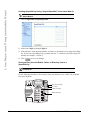
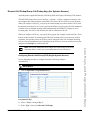
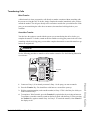
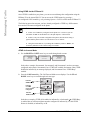
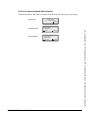
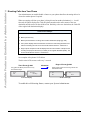
Example
2. Input Language
7. Language
= Next
= Enter
Language Option
= Next
= Enter
Input Language Option
Input Language
English
= Next
= Set
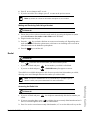
Select an Input
Language
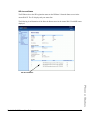
IP Phone UI
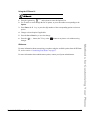
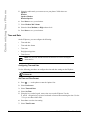
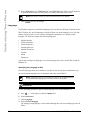
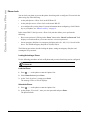
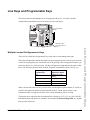
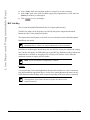
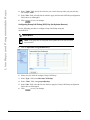
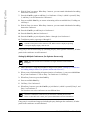
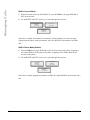
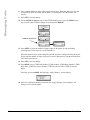
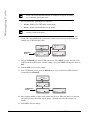
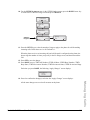
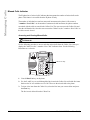
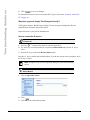
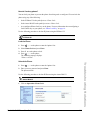
Use the following procedure to change the input language using the IP Phone UI.
1. Press
Options
on the phone to enter the Options List.
2. Select Preferences.
3. Select Language.
38
Model 9143i IP Phone User Guide