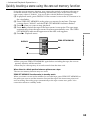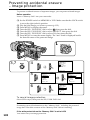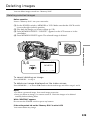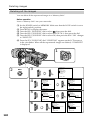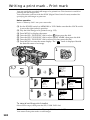
1
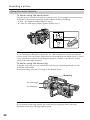
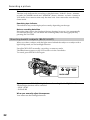
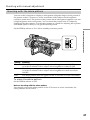
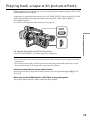
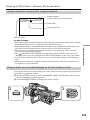
Using the fader function
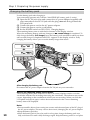
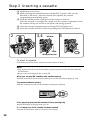
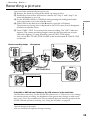
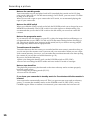
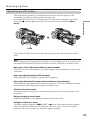
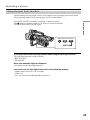
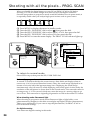
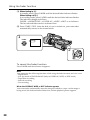
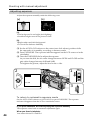
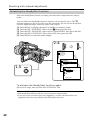
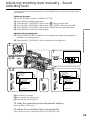
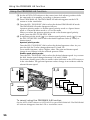
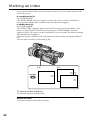
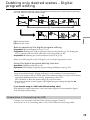
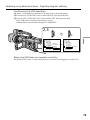
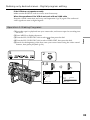
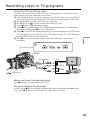
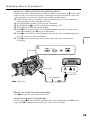
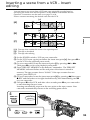
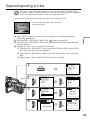
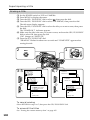
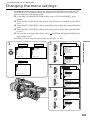
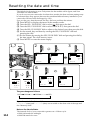
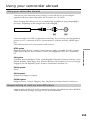
(1) When fading in [a]
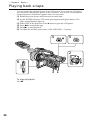
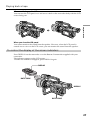
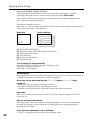
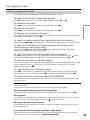
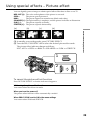
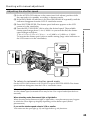
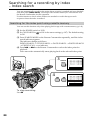
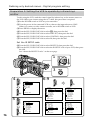
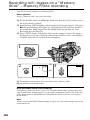
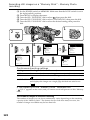
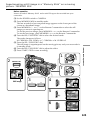
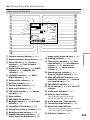
In standby mode, press FADER until the desired fader indicator flashes.
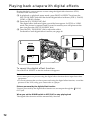
When fading out [b]
In recording mode, press FADER until the desired fader indicator flashes.
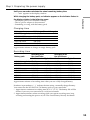
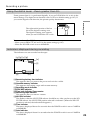
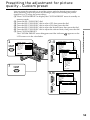
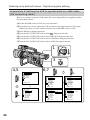
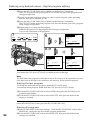
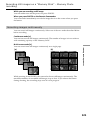
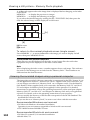
The indicator changes as follows:
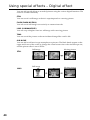
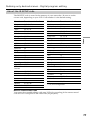
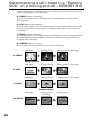
FADER t MONOTONE t OVERLAP tWIPE tDOTt no indicator
The last selected fader mode is indicated first.
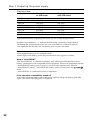
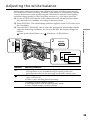
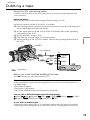
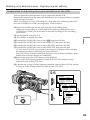
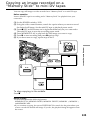
(2) Press START/STOP. After the fade in/out is carried out, your camcorder
automatically returns to the normal mode.
1
FADER
FADER
POWER
VCR
2
MEMORY
OFF CAMERA
(CHG)
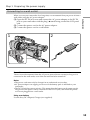
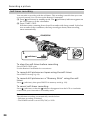
To cancel the fader function
Press FADER until the indicator disappears.
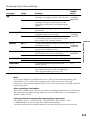
Note
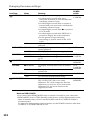
You cannot use the following functions while using the fader function, and vice versa:
– Digital effect
– Low lux mode of PROGRAM AE (Only in OVERLAP, WIPE, or DOT mode)
– Tape Photo recording
– Interval recording
– Cut recording
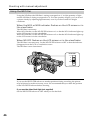
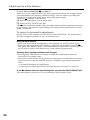
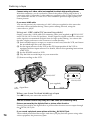
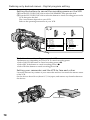
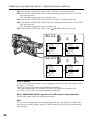
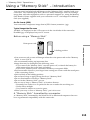
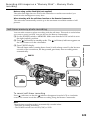
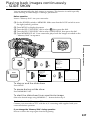
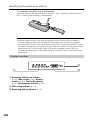
When the OVERLAP, WIPE, or DOT indicator appears
Your camcorder automatically stores the image recorded on a tape. As the image is
being stored, the fader indicator flashes fast, and the playback picture appears.
38