1
Playing MP3 files using the MP3 controller
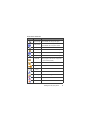
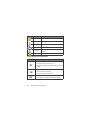
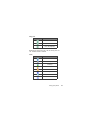
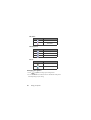
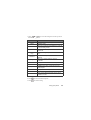
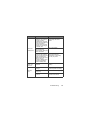
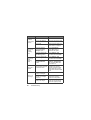
For the buttons of the MP3 controller, refer to page 7, "Top view (MP3
controller)".
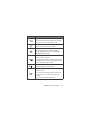
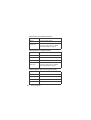
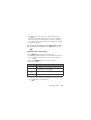
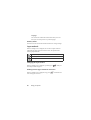
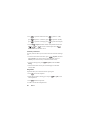
Button
Volume
Rewind/
Previous/
Replay
Forward/Next
Play/Pause
Description
Press volume buttons to adjust the playback volume.
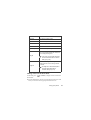
•
•
During playback, long-press to rewind.
•
If elapsed time exceeds 2 seconds, press to replay
the current track.
•
•
During playback, long-press to forward.
•
•
•
Long-press to open the MP3 player.
•
During playback, long-press to exit the MP3 player
whilst the playback continues in the background.
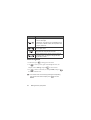
During playback, if elapsed time is less than or equal
to 2 seconds, press to play the previous track.
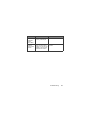
Press to go to the next track.
Press to play the current track.
Press to pause the playback; press again to resume
the playback.
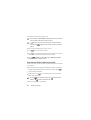
Tracks will be played in the sequence which they are saved in the now
playing list. To play tracks at random order, press
to go to
Settings > Use Shuffle.
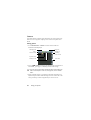
Building a playlist
1. On the MP3 player screen, press
build your playlist.
(Option) to select Add.
2. Press
50
Menus
(
)and select Playlists to