1
LOADING PAPER
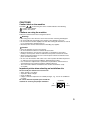
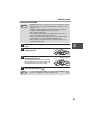
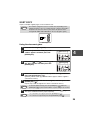
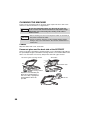
Loading paper in the bypass tray
Note
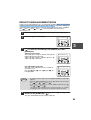
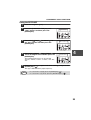
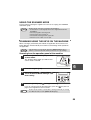
1
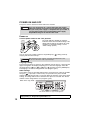
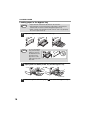
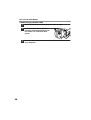
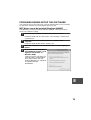
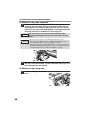
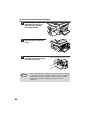
Open the bypass tray and extend the tray.
Note
2
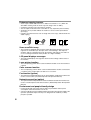
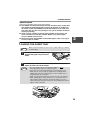
• Paper must be fed narrow side first into the feed slot.
• Special papers such as transparency film, labels, and envelopes
must be fed one sheet at a time through the bypass tray.
• When copying onto transparency film, remove each copy promptly.
Do not let copies stack up.
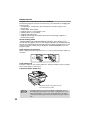
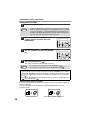
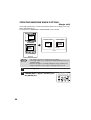
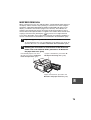
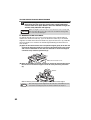
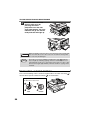
To close the bypass
tray, perform step 1
and then step 2 in
the illustration and
push the round
projections at the
right of the tray until
they click.
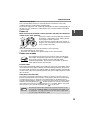
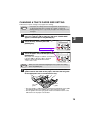
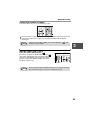
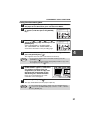
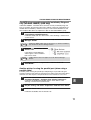
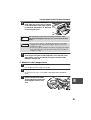
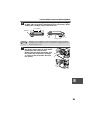
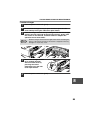
Set the bypass tray paper guides to the paper width. Insert the
paper (print face down) all the way into the bypass tray.
Print face
3
18
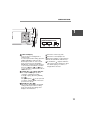
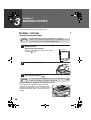
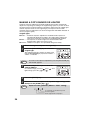
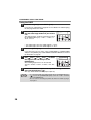
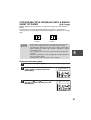
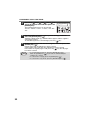
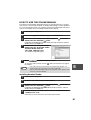
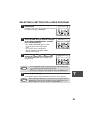
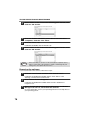
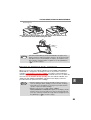
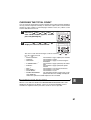
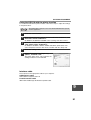
Press the [TRAY SELECT] key (
) to select the bypass tray.