1
8-6
Chapter 8 Call Forwarding
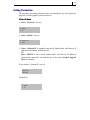
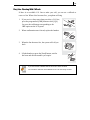
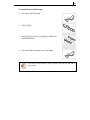
To transfer calls from another extension to your extension (Remote
Forwarding):
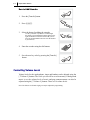
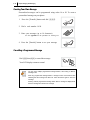
1. Dial [6][0][6].
6
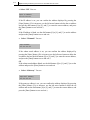
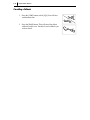
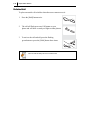
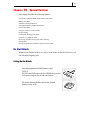
2. Dial the number of the extension from which calls are
to be forwarded.
MN
0
O
1
4
*
7
PQ
GH
8
RS
0
TU
2 ABC
5
I
6
V
JK L
9
6
3
MN
O
D EF
M NO
WX YZ
Z
zz
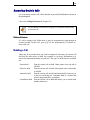
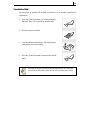
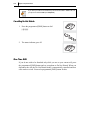
3. Hang up after the confirmation tone.
Viewing and Changing Call Forward Options
You can view or change your Call Forward options from the LCD panel of your
phone.
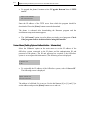
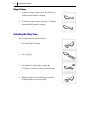
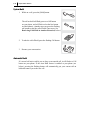
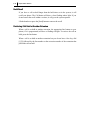
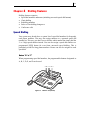
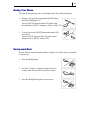
1. Press the [Transfer] button.
Tr a n
sfer
2. Dial [1][0][2].
1
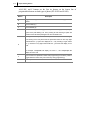
3. Select the Call Forward option by pressing one of the
buttons [0] to [5], or by using the [uVolumet]
buttons.
0
2
Vo lu
AB
C
me