1
MANUAL SCAN
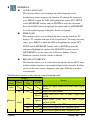
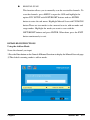
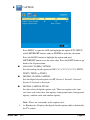
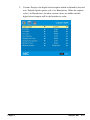
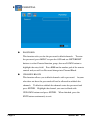
This function allows you to manually scan the receivable channels. To
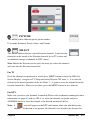
scan the channels, press MENU to open the OSD and highlight the
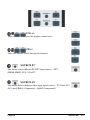
option DTV SETUP with LEFT/RIGHT buttons and use ENTER
button to enter the sub-menu. Highlight Manual Scan with UP/DOWN
button.There are two modes to do a manual scan in, add-on mode and
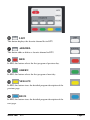
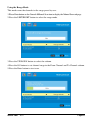
range modes. Highlight the mode you want to scan with the
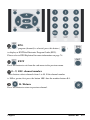
LEFT/RIGHT buttons and press ENTER. When done, press the EXIT
button continuously to exit.
DETAILED INSTRUCTIONS
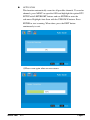
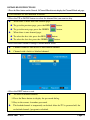
Using the Add-on Mode
Scans the channel you input.
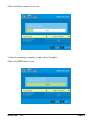
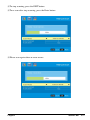
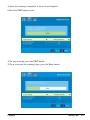
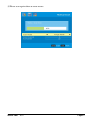
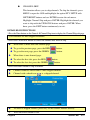
1.Press the Enter button on the General Manual Scan item to display the Manual Scan sub page.
※The default scanning mode is add-on mode.
Page62
SCEPTRE
X37