1
ESSENTIAL PROCEDURES
5.
Select a Sample Type
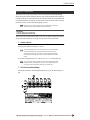
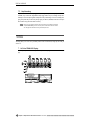
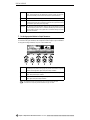
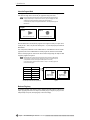
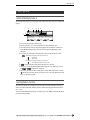
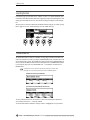
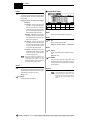
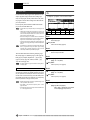
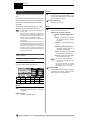
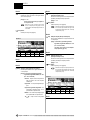
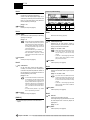
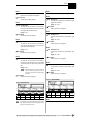
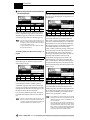
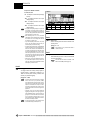
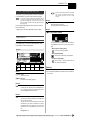
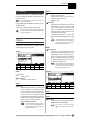
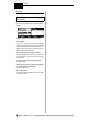
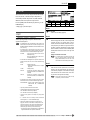
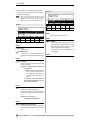
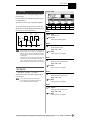
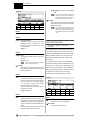
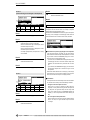
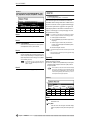
With the third function line still highlighted, use Knob 3 to select “Mono” if you want to record a
mono sample, or “Stereo” to record a stereo sample. If “Mono” is selected, a mono sample will be
recorded even if you are recording from a stereo source.
• If the optional AIEB1 I/O Expansion Board is installed (page 13, 14), and the “DIGITAL” or “OPTICAL” input is selected (above), only the “Stereo” Sample Type is available.
6.
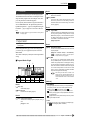
Select a Sampling Frequency
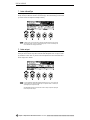
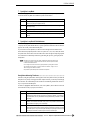
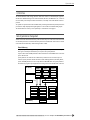
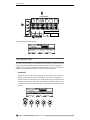
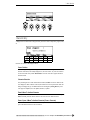
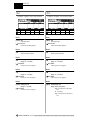
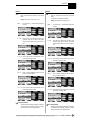
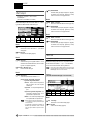
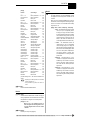
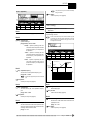
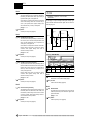
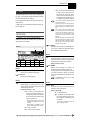
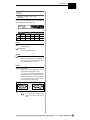
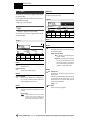
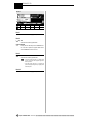
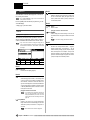
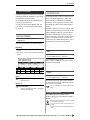
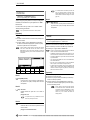
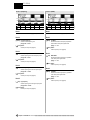
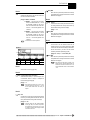
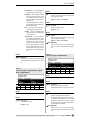
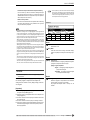
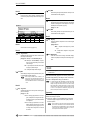
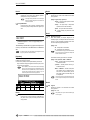
With the third function line highlighted, use Knob 4 to select the desired sampling frequency. The
choices for the “AD L” and “AD L/R” input settings are:
44.1k
This is the same sampling frequency used by audio CDs, and the sampling frequency that
will give you the highest quality (while using up the most memory).
22k
The frequency response is limited to about 10 kHz, but the memory requirements are only
about 1/2 that of the 44.1 kHz sampling frequency.
22kLoFi
A noisy “Lo-Fi” version of the 22k sampling frequency.
11k
Only 1/4 the maximum 44.1 kHz sampling frequency, with frequency response limited to
about 5 kHz.
11kLoFi
A noisy “Lo-Fi” version of the 11k setting.
5k
Frequency response is limited to only about 2.5 kHz, but this setting may be sufficient for
some types of samples.
5kLoFi
A noisy “Lo-Fi” version of the 5k setting.
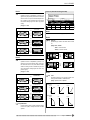
• If the optional AIEB1 I/O Expansion Board is installed (page 13, 14), and the “DIGITAL” or “OPTICAL” input is selected (above), the sampling frequency can be set to match the sampling frequency of the digital input signal, or it can be set to 1/2, 1/4, or 1/8 of the input signal. See page
155 for details.
7.
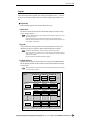
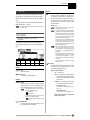
Select a Pre-trigger Time
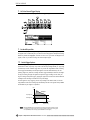
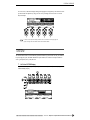
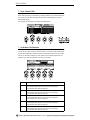
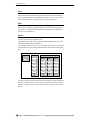
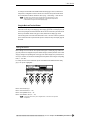
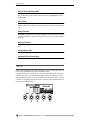
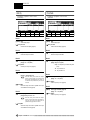
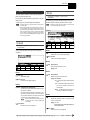
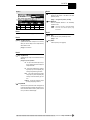
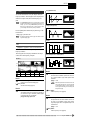
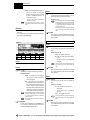
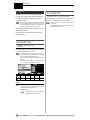
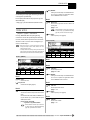
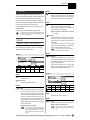
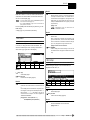
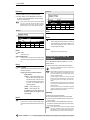
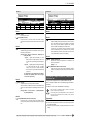
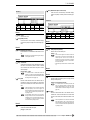
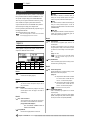
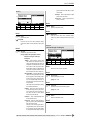
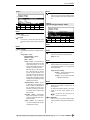
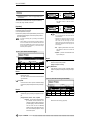
With the third function line highlighted, use Knob 5 to select an appropriate pre-trigger time. “Pre-trigger” means that recording actually begins the specified number of milliseconds (a millisecond is 1/
1000th of a second) before recording is started, either manually or by automatic triggering. This
ensures that the beginning of samples won’t be cut off, particularly when using automatic triggering.
Your choices are “0”, “100”, “200”, “300”, “400”, and “500” milliseconds.
●●●●●●●●●●●●●●●●●●●●●●●●●●●●●●●●●●●●●
A5000/A4000 •
Chapter 2 Sampler Basics & Essential Procedures
39