1
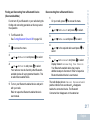
Steps
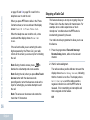
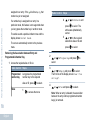
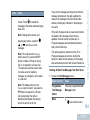
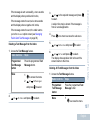
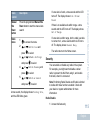
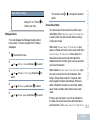
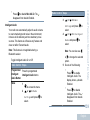
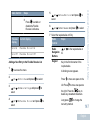
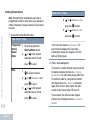
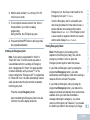
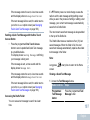
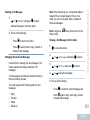
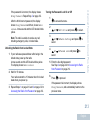
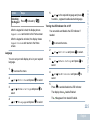
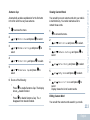
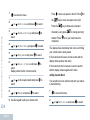
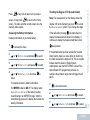
screen. Press
to resend the
message to the same subscriber/group
alias or ID.
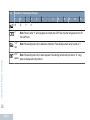
Note: Changing the volume, and
pressing any button, except for
, or
, returns you to the
message.
,
Note: The radio exits the Resend
option screen if you press the PTT
button to initiate a Private or Group
Call, or to respond to a Group Call.
The radio also exits the screen when
it receives a text or telemetry
message, an emergency call or alarm,
or a call alert.
Note: The display returns to the
Resend option screen if you press the
PTT button to respond to a Private
Call (except when the radio is
displaying the Missed Call screen),
and at the end of an All Call.
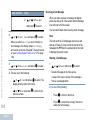
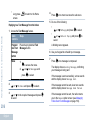
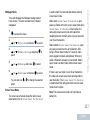
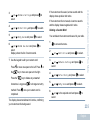
If you exit the message sending screen while the
message is being sent, the radio updates the
status of the message in the Sent Items folder
without providing any indication in the display or
via sound.
Advanced Features in Non-Connect Plus Mode
Option
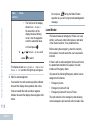
If the radio changes mode or powers down before
the status of the message in Sent Items is
updated, the radio cannot complete any InProgress messages and automatically marks it
with a Send Failed icon.
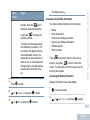
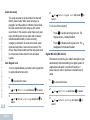
The radio supports a maximum of five (5) InProgress messages at one time. During this
period, the radio cannot send any new message
and automatically marks it with a Send Failed icon.
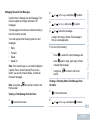
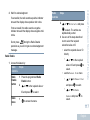
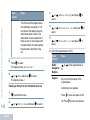
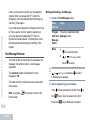
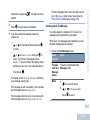
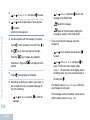
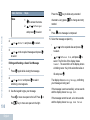
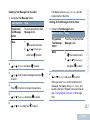
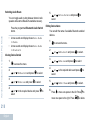
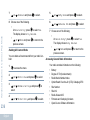
Deleting All Sent Text Messages from Sent Items
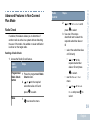
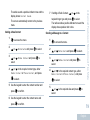
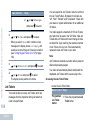
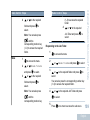
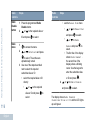
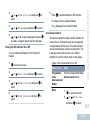
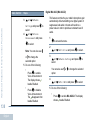
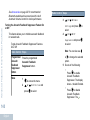
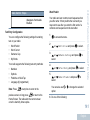
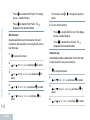
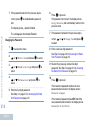
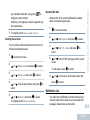
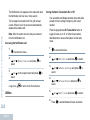
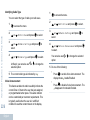
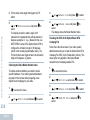
1 Access the Text Message feature.
Radio Controls
Steps
Programmed
Text Message
button
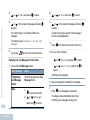
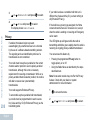
Press the programmed Text
Message button.
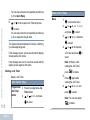
Menu
1
to access the menu.
103
English