1
ZVx
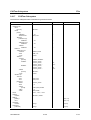
CALCulate Subsystem
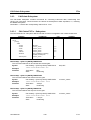
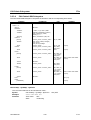
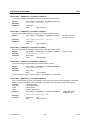
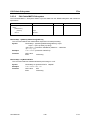
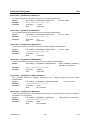
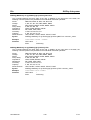
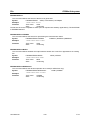
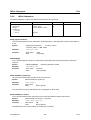
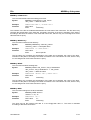
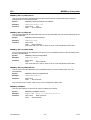
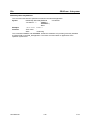
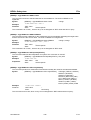
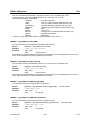
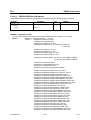
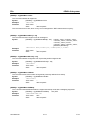
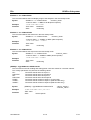
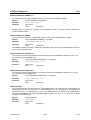
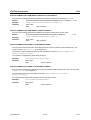
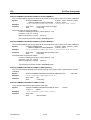
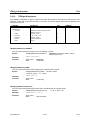
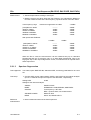
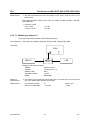
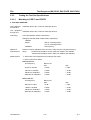
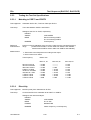
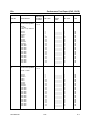
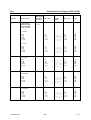
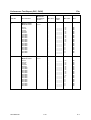
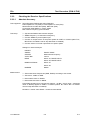
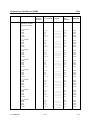
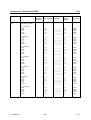
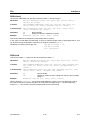
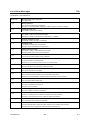
CALCulate[1...4]:MARKer[1...8]:MAXimum
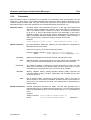
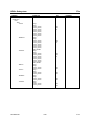
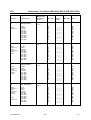
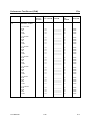
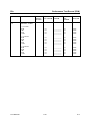
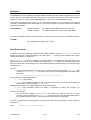
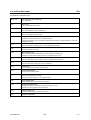
This command triggers the search for the maximum of the trace for the active marker.
CALCulate[1...4]:MARKer[1...8]:MAXimum
Syntax:
"CALC:MARK:MAX"
Example:
Features:
*RST value:
SCPI:
–
device-specific
This command is an event,, which is why it is not assigned an *RST-value and has no query.
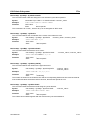
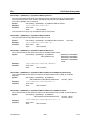
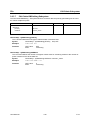
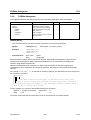
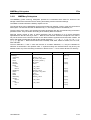
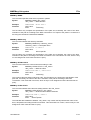
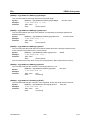
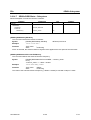
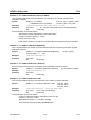
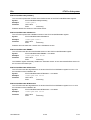
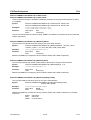
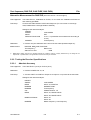
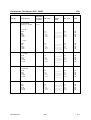
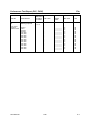
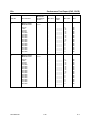
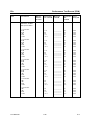
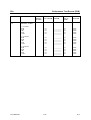
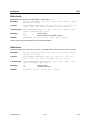
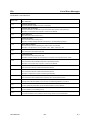
CALCulate[1...4]:MARKer[1...8]:MINimum
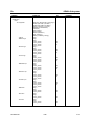
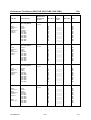
This command triggers the search for the minimum of the trace for the active marker.
CALCulate[1...4]:MARKer[1...8]:MINimum
Syntax:
"CALC:MARK:MIN"
Example:
Features:
*RST value:
SCPI:
–
device-specific
This command is an event,, which is why it is not assigned an *RST-value and has no query.
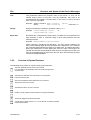
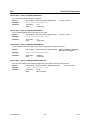
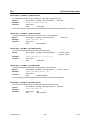
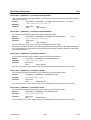
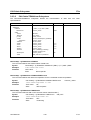
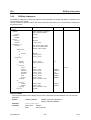
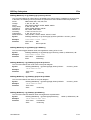
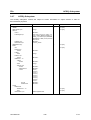
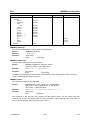
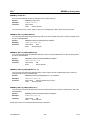
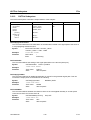
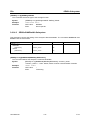
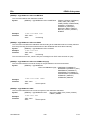
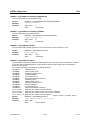
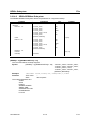
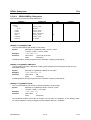
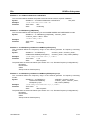
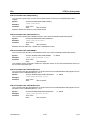
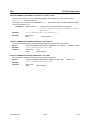
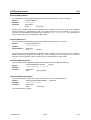
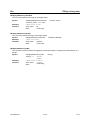
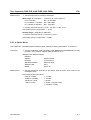
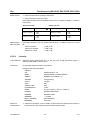
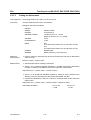
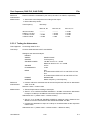
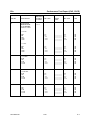
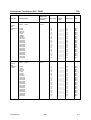
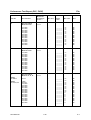
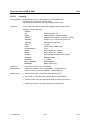
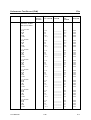
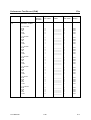
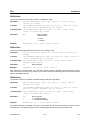
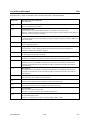
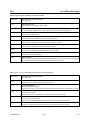
CALCulate[1...4]:MARKer[1...8]:FUNCtion[:SELect]
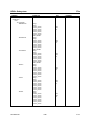
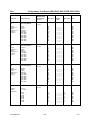
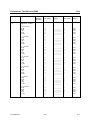
This command selects the marker search function.
CALCulate[1...4]:MARKer[1...8]:FUNCtion[:SELect]
Syntax:
Example:
"CALC:MARK:FUNC TARG"
Features:
*RST value:
SCPI:
MAXimum | MINimum |
TARGet | BFILter
–
device-specific
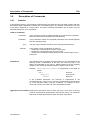
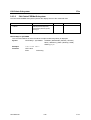
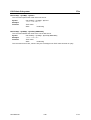
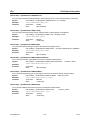
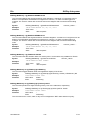
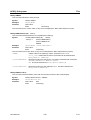
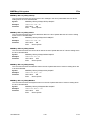
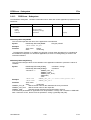
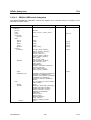
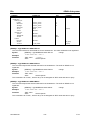
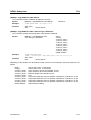
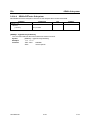
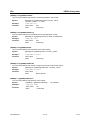
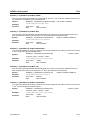
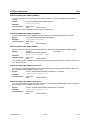
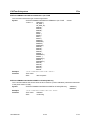
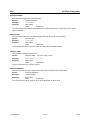
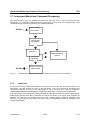
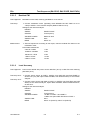
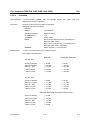
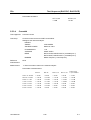
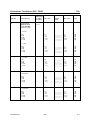
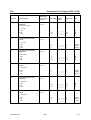
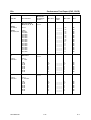
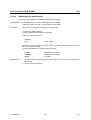
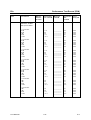
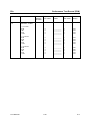
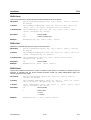
CALCulate[1...4]:MARKer[1...8]:FUNCtion:BWIDth
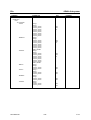
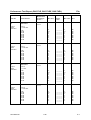
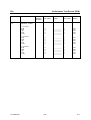
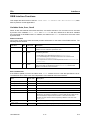
This command defines the difference of the bandwidth points which are searched starting from an
extreme value (e.g. the 3dB-bandwidth).
CALCulate[1...4]:MARKer[1...8]:FUNCtion:BWIDth <numeric_value>
Syntax:
"CALC:MARK:FUNC:BWID 6dB"
Example:
Features:
*RST value:
SCPI:
device-specific
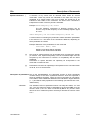
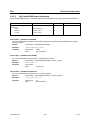
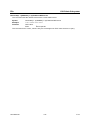
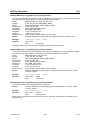
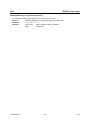
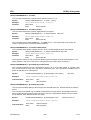
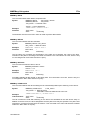
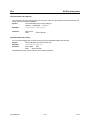
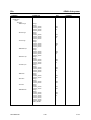
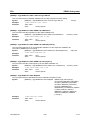
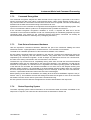
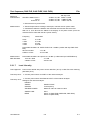
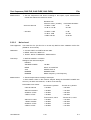
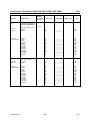
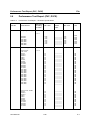
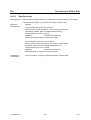
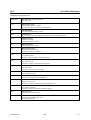
CALCulate[1...4]:MARKer[1...8]:FUNCtion:BWIDth:MODE
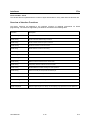
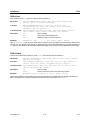
This command selects the filter type (bandpass or bandstop) for the search of the bandwidth.
CALCulate[1...4]:MARKer[1...8]:FUNCtion:BWIDth:MODE BPASs | BSTOp
Syntax:
"CALC:MARK:FUNC:BWID:MODE BSTOP"
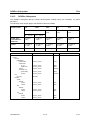
Example:
Features:
1043.0009.50
*RST value:
SCPI:
device-specific
3.33
E-15