1
OCEANUS DSC/ATIS_ENG_0512
5/12/05
10:34 AM
Page 36
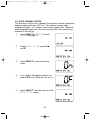
2-E. AUTO CHANNEL SWITCH
This feature is to allow you to disable the automatic channel change that
happens when receiving a DSC call. This feature is useful when
engaged in bridge – to – bridge or other safety related calls. When you
have completed these calls, all of the incoming DSC calls received are
available in the call log.
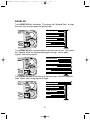
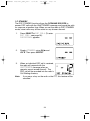
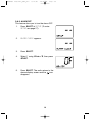
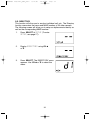
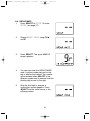
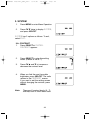
1.
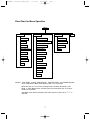
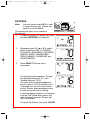
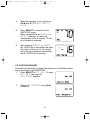
Press SELECT at SETUP (To enter
SETUP, see page 27).
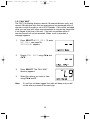
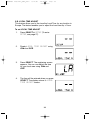
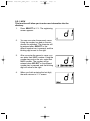
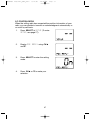
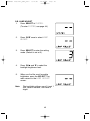
2.
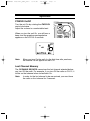
Display AUTO CH SW using CH ▲
and ▼.
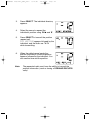
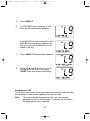
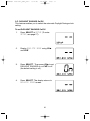
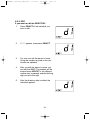
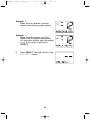
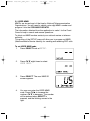
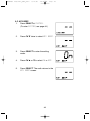
3.
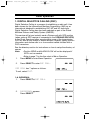
Press SELECT to enter the setting
mode.
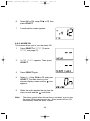
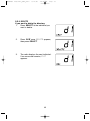
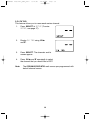
4.
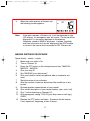
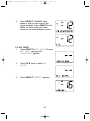
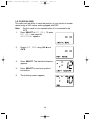
If you want to change this mode to off,
press CH ▼ once. (Default is set as ON.)
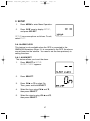
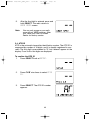
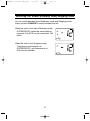
5.
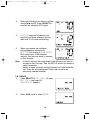
Press SELECT. The radio returns to the
AUTO CH SW screen.
36