1
M4000 Insulation Analyzer User Guide
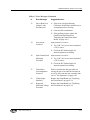
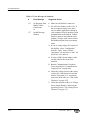
Icon
Description
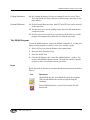
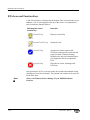
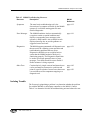
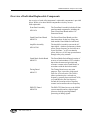
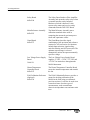
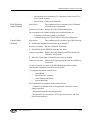
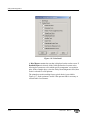
Toggle sheet note. Click this icon to display or hide a note
area for the entire clipboard sheet at the bottom of the screen.
Toggle Nameplate. Click this icon to display or hide all but
the test data. This allows the user to hide or display the
Nameplate information, time, date, Administration and Test
Condition buttons.
About M4000 For Windows. This can also be chosen by
selecting About M4000 For Windows from the pull down
menu item.
If you are using the pull-down menus and wish to remove these icons,
click on the View pull-down menu item and then click on Toolbar. This
will disable the icons. They can be retrieved by repeating the same action.
Menu Items
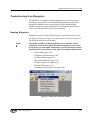
The menu items are File, Mode, Test, Diagnostics, View, Tools, Window,
and Help. The principal functions included under these items are better
accessed by using the icons described in the previous paragraphs. The features
under what used to be the Edit menu are now found under Test by selecting
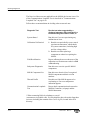
the Clear menu item. The Diagnostics commands are described in Chapter
Six, M4100 Instrument.
Mode Menu
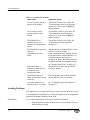
Select the type of test desired. Choices are:
•
•
•
•
Clipboard (for Power Factor, Exciting Current tests)
Leakage Reactance (Requires optional software)
External Reference/Source (Requires optional software)
DTA (Requires optional software)
Test Menu
This menu contains the start single test (F2) and start multiple tests (F11)
commands.
72A-1230 Rev. F
2-11
July 22, 2005
NOTE