1
s5000/ s6000
EDIT SAMPLE
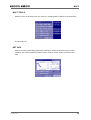
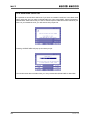
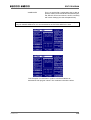
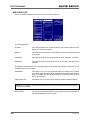
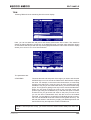
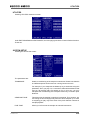
SAMPLE LIST
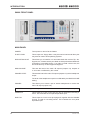
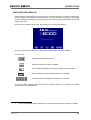
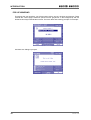
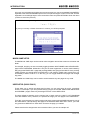
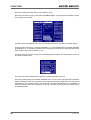
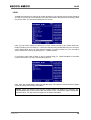
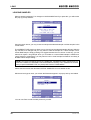
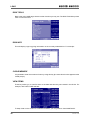
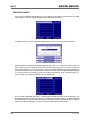
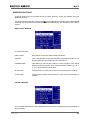
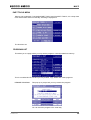
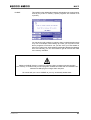
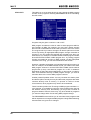
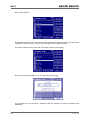
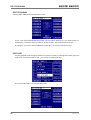
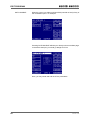
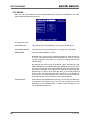
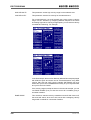
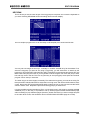
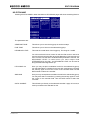
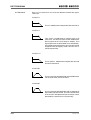
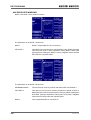
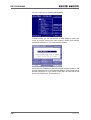
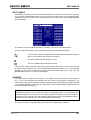
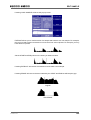
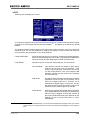
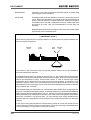
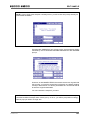
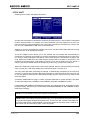
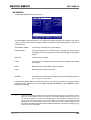
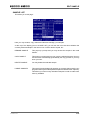
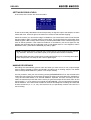
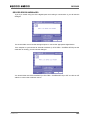
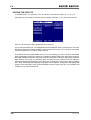
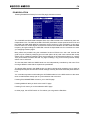
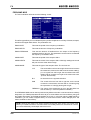
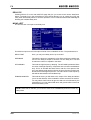
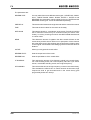
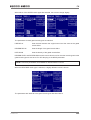
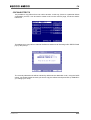
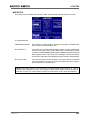
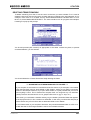
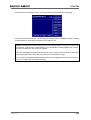
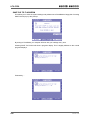
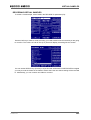
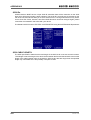
This takes you to this page:
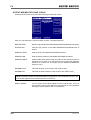
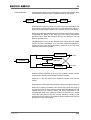
Here you may rename, copy, delete and otherwise manage your samples.
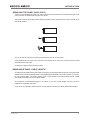
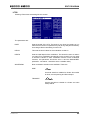
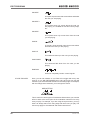
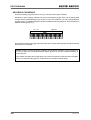
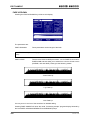
At the top of the display (next to CLOSE LIST) you will see the icons that show whether the
currently selected sample in the list is mono or stereo and/or looped, etc..
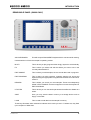
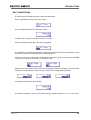
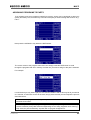
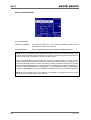
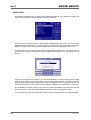
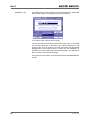
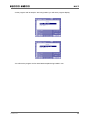
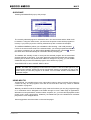
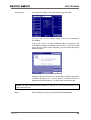
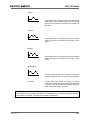
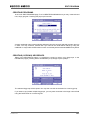
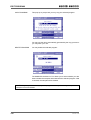
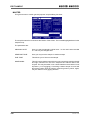
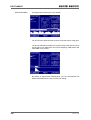
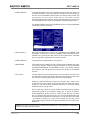
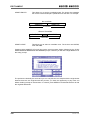
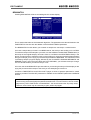
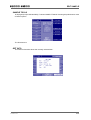
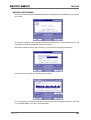
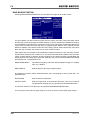
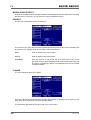
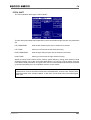
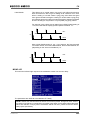
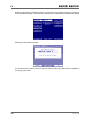
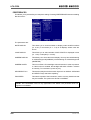
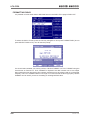
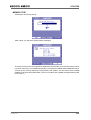
RENAME SAMPLE
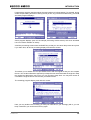
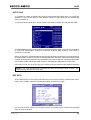
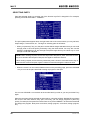
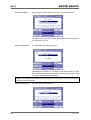
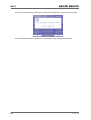
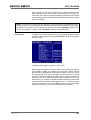
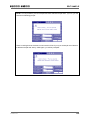
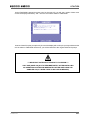
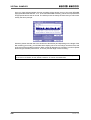
This pops up a prompt and you may rename the sample in the usual
fashion.
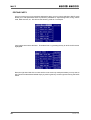
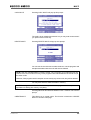
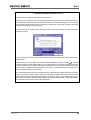
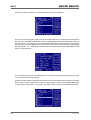
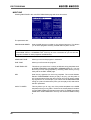
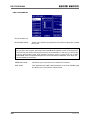
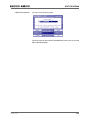
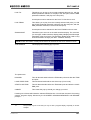
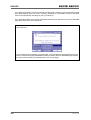
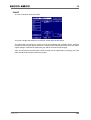
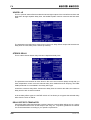
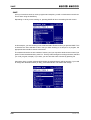
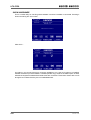
COPY SAMPLE
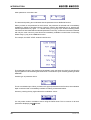
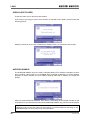
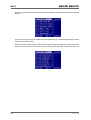
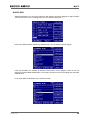
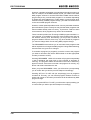
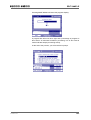
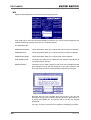
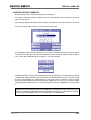
This pops up a prompt and you may copy the selected sample. You may
use the name automatically generated by the copy process or you may
enter your own.
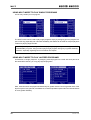
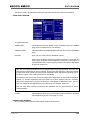
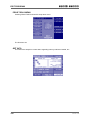
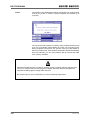
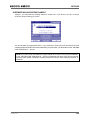
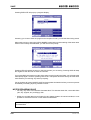
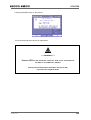
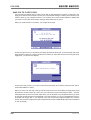
DELETE SAMPLE
You may delete the selected sample.
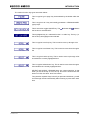
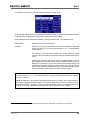
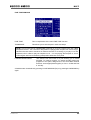
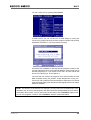
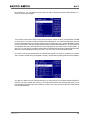
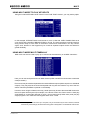
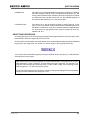
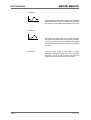
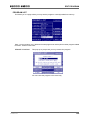
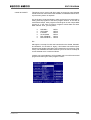
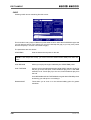
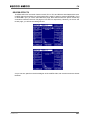
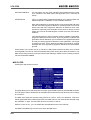
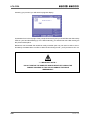
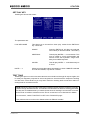
PURGE SAMPLES
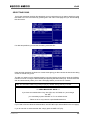
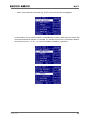
This useful function deletes all samples not currently being used by any
programs that may be loaded (these samples are referred to as ‘orphans’).
This allows you clear out any redundant samples in order to make more
memory available.
Version 1.21
175















































![User`s Manual MV2000[SU:M] Ventilator System 0470](http://vs1.manualzilla.com/store/data/005841388_1-c867b5a0773523e6306e353a41d4c56d-150x150.png)