1
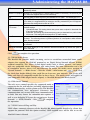
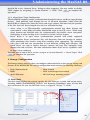
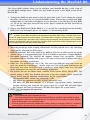
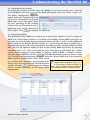
4-Connecting Users
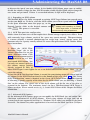
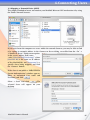
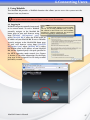
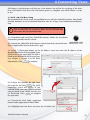
5.2.3 Select Add a network, wireless or
Bluetooth printer.
5.2.4 Select The printer that I want isn’t listed. You can press The printer that I want isn’t
listed to go into next page without waiting for Searching for available printers to finish.
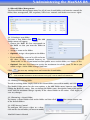
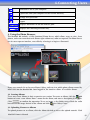
5.2.5 Click Select a shared printer by name.
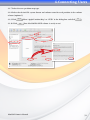
In the address entry box, type http://<MaxNAS
R8>:631/printers/usb-printer in the
box, where <MaxNAS R8> is the IP address or
Netbios name of the MaxNAS R8. Click Next .
http://<MaxNAS R8_IP_Address>:631/printers/usb-printer
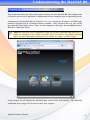
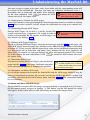
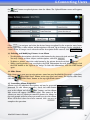
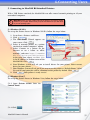
5.2.6 Select or install a printer click OK .
You can choose to set this printer as the default
printer by checking the Set as the default
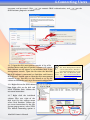
Next
to continue.
printer box. Click
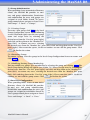
Click
Finish
. Your printer is ready to use!
MaxNAS Owner’s Manual
56