1
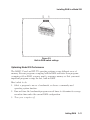
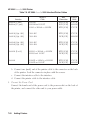
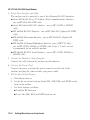
HP 98625B Disk Interface
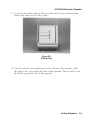
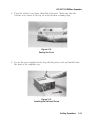
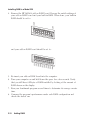
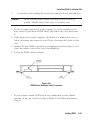
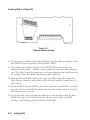
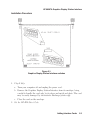
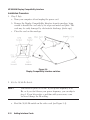
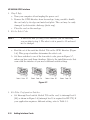
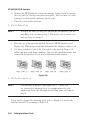
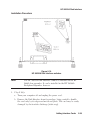
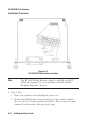
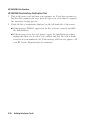
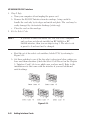
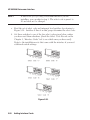
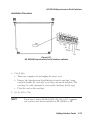
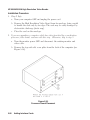
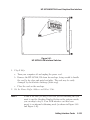
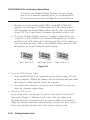
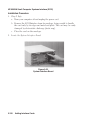
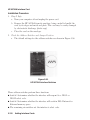
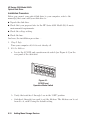
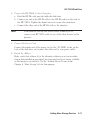
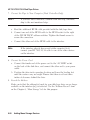
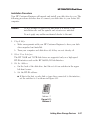
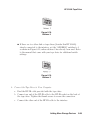
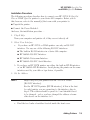
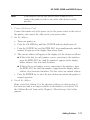
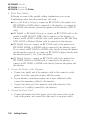
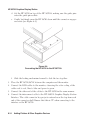
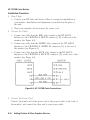
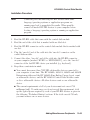
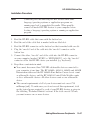
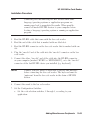
a. Remove the painted cover plates from the back of your computer until
you find an empty even-numbered slot. (Slots are numbered from the top
down, so the top-most slot is number 1, the next slot down is number 2,
etc.) Do not remove the silver cover plates from the bottom of a Series
300 computer.
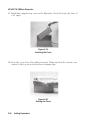
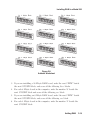
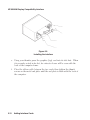
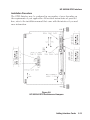
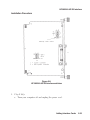
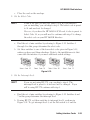
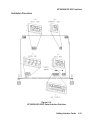
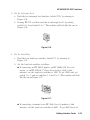
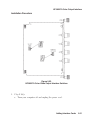
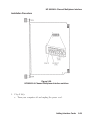
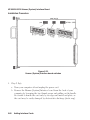
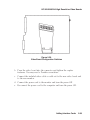
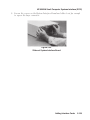
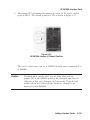
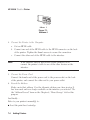
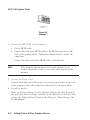
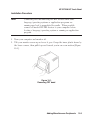
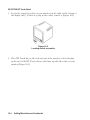
b. Insert the Disk Interface, component side up, into the empty
even-numbered slot. Tighten the thumb screws on the metal end plate
until the end plate is flush with the back of the computer.
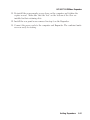
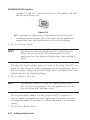
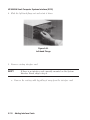
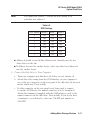
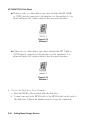
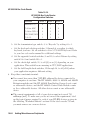
c. If you changed the select code of the Disk Interface in step 2, find this
number in the set of select code labels supplied with the interface. Affix
this label to the metal end plate.
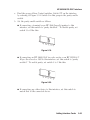
d. If you have other interface or accessory cards to install, leave the cover
plates off; otherwise, replace them.
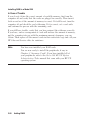
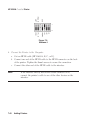
7. Record the Select Code.
Make a note that select code 14 (or the alternate select code you chose in
step 2) has been used and is no longer available. Use the “Select Code
Record” form on the Chapter 5, “Interface Cards” tab for this purpose.
Adding Interface Cards
5-37