1
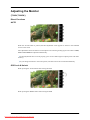
Adjusting the Monitor
MENU →
,
→
→
,
→
→
,
→ MENU
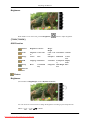
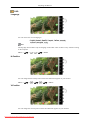
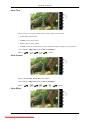
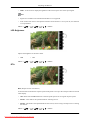
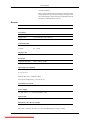
V-Position
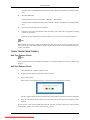
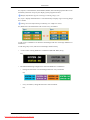
You can change the vertical position where the OSD menu appears on your monitor.
MENU →
,
→
→
,
→
→
,
→ MENU
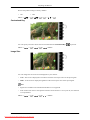
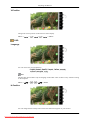
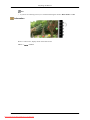
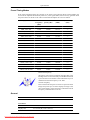
Transparency
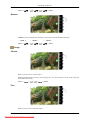
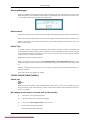
Change the transparency of the background of the OSD.
•
Off
MENU →
•
,
→
On
→
,
→
→
,
→ MENU
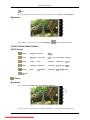
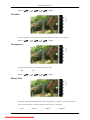
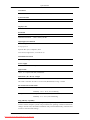
Display Time
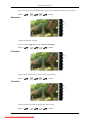
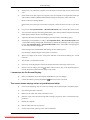
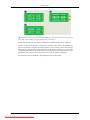
The menu will be automatically turned off if no adjustments are made for a certain time period.
You can set the amount of time the menu will wait before it is turned off.
•
5 sec
•
10 sec
•
48
Downloaded from ManualMonitor.com Manuals
20 sec
•
200 sec