1
0820771003.book Page 3 Monday, March 19, 2001 2:49 PM
2-3
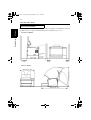
1. System Overview
System Configuration
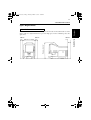
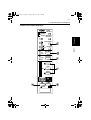
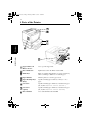
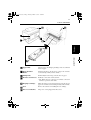
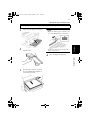
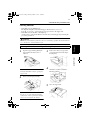
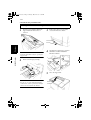
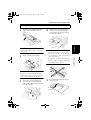
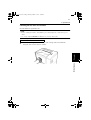
This Scanner is configured with both a Printer [video] & PC [SCSI] Interface.
Scanner
Chapter 2
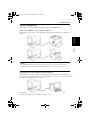
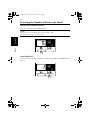
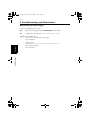
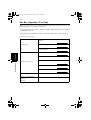
Printer Mode (SR24iT + Choice of [2] Laser Printers)
The Scanner is connected to a dedicated printer, allowing scanned images to be printed out
directly.
NOTE
Each SR24iT is designed exclusively for use with its respective Printer. Contact your
authorized dealer if you are at all in doubt on how to connect the laser printer.
PC[SCSI] Interface Mode (SR24iT + Personal Computer)
The Scanner is connected to a personal computer and the scanned images can be uploaded to
the computer. An optional PC interface cable is required for connection to a personal computer.
Contact your authorized dealer for details.
Connection to a personal computer and printer can be switched using Control Panel.
Refer to "Selecting the Connection Mode" on Page 2-34.