1
Overview
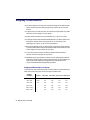
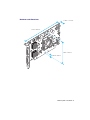
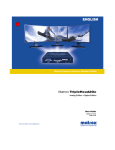
Thank you for purchasing a Matrox PJ-4OLP graphics card. This product is a high-performance
graphics card that plugs into an expansion slot inside your personal computer. With a Matrox PJ4OLP card, you can use 4 monitors1 at a time.
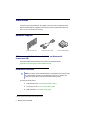
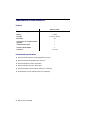
Hardware supplied
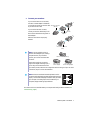
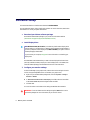
Matrox PJ-4OLP card
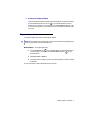
2 DVI dual-monitor cables
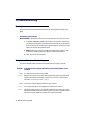
4 DVI-to-HD15 adapters
Software supplied (for Windows 2000/XP, and Windows XP
Professional x64)
Download the latest software package for your product from the Matrox Web site
(www.matrox.com/graphics/support/drivers/latest/home.cfm).
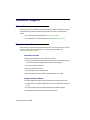
Installation overview
Note: If your Matrox product is already partially or fully installed on your computer, some
or all the installation information in this guide may not apply to you. However, this
information may be useful if you need to reinstall your Matrox product.
To install your Matrox product:
1
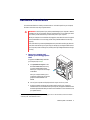
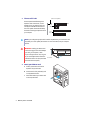
Install the Matrox card – see “Hardware installation”, page 3.
2
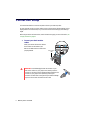
Connect your monitors – see “Connection setup”, page 6.
3
Install the software – see “Software setup”, page 8.
1 The term monitor refers to projectors and computer monitors.
2
Matrox PJ-4OLP – User Guide