1
19.3.02
SL42-SL45-ger.fm
Java™ –
40
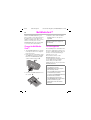
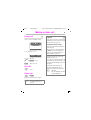
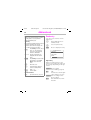
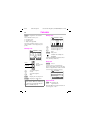
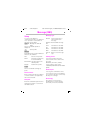
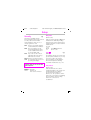
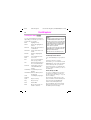
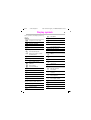
Load Menu
Open
U35 /SL45i- English, A31008-H4860-A1-3-7619
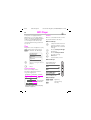
Start Application
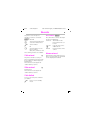
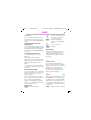
Options
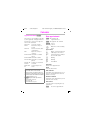
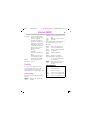
Open a new folder.
New folder Create a new folder.
Delete
Delete the selected entry.
Delete all Delete all entries after
confirming.
Rename Rename highlighted entry.
Sort
Set sort criteria (alphabetic, time).
Save
Save the application in
the current folder.
Display the folder conView
tent.
Before you can use online Java™ applications, dial-in access must be configured for
Java™ (see p. 69).
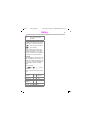
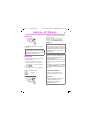
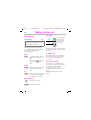
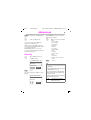
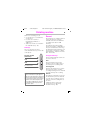
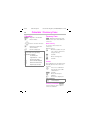
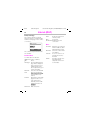
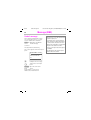
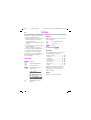
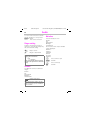
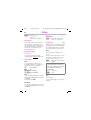
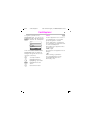
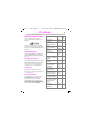
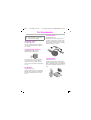
Menu ! Surf/Fun ! Java™
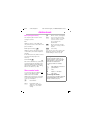
Provided that no application has
been loaded, the list is empty. However, you can create folders for future applications on the MultiMediaCard™.
™\Games
˜ Worm
˜ anpoker
˜ BalloonShooter
Options
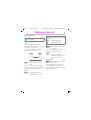
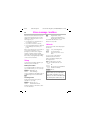
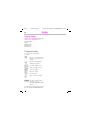
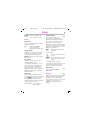
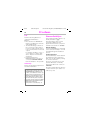
SMS Push
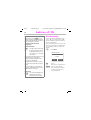
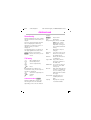
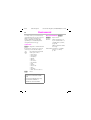
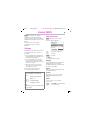
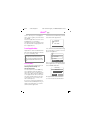
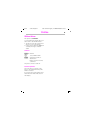
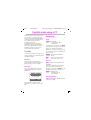
The SMS Push service provides you
with information about new Java applications. You will receive an SMS
containing a download address for
Java™ applications, for example
from your Service Provider. You can
use the Call key to access the first
highlighted link in the display directly
in the WAP browser. From there,
you can then download the application; see Internet (WAP).
New application
available at:
wap.mysiemens.com
Options
R
Select
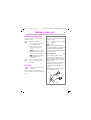
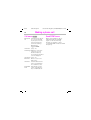
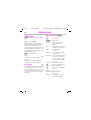
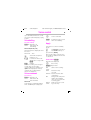
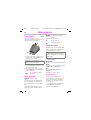
If the list contains folders and Java™
applications, you can start these using the control key or soft key:
B
Select entry.
Select
Start application.
All Java™ applications supplied include operating instructions (integral
help).