1
7. GETTING STARTED
7.1
GB
Remote control
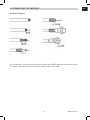
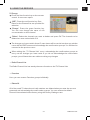
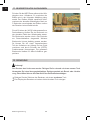
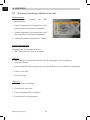
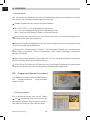
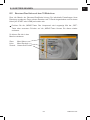
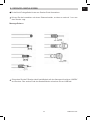
For the remote control you need two Micro: LR 03/AAA/1.5 V batteries.
Open the battery compartment.
Insert two batteries into the battery compartment according to the correct polarity.
Carefully press the cover back onto the battery compartment until it locks into place.
Remove the batteries when they first show signs of wearing out or else the signals
emitted by the remote control will be too weak.
Always replace both batteries at the same time with the same battery type.
Test the batteries in your remote control at least once a year.
If a battery leaks, put on protective gloves and clean the battery compartment with a
dry cloth.
Warning!
Batteries may contain toxic substances that are harmful to your health and to the
environment. Therefore, always dispose of batteries in compliance with the
applicable legal regulations. Never dispose of batteries along with normal
household waste.
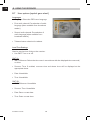
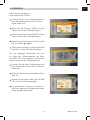
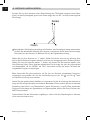
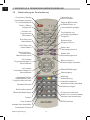
The remote control transmits infrared signals to the receiver. Refer to the remote control
overview to find out what each button does
Point the remote control to the front panel of the receiver and briefly press the
corresponding button.
7.2
Receiver
Warning!
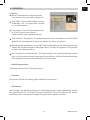
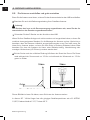
Ensure that all of the devices and the antenna are properly connected before
connecting the receiver to the mains.
Plug the connected devices into the mains socket and turn them on.
Tune the TV to the AV channel. Provided the TV can detect the switching voltage
emitted by the receiver, it will automatically switch to AV mode.
21
DVB-S Receiver