1
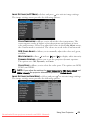
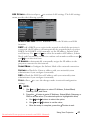
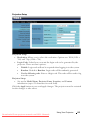
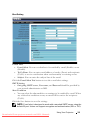
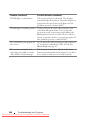
COLOR TEMPERATURE—Allows you to adjust the color temperature. The
screen appears cooler at higher color temperatures and warmer at lower
color temperatures. When you adjust the values in the Color Adjust menu,
the Custom mode is activated. The values are saved in the Custom mode.
RGB COLOR ADJUST—Allows you to manually adjust the colors red, green,
and blue.
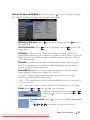
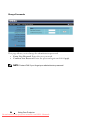
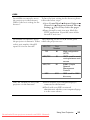
SATURATION—Allows you to adjust the video source from black and white
to fully saturated color. Press
to increase the amount of color in the
to decrease the amount of color in the image.
image and
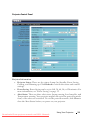
SHARPNESS—Press
sharpness.
to increase the sharpness and
to decrease the
TINT—Press
to increase the amount of green in the image and
to
decrease the amount of green in the image (available for NTSC only).
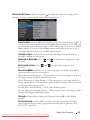
WHITE INTENSITY—Press
and use
and
to display white intensity.
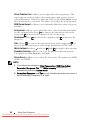
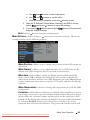
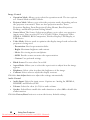
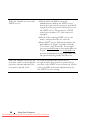
DYNAMIC APERTURE—Allows you to set the projector dynamic aperture.
The options are: Off, Dynamic, and Auto.
COLOR SPACE—Allows you to select the color space. The options are: RGB,
YCbCr, and YPbPr.
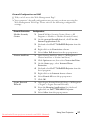
NOTE:
1 If you adjust the settings for Color Temperature, RGB Color Adjust,
Saturation, Sharpness, Tint, and White Intensity the projector
automatically switch to Custom mode.
2 Saturation, Sharpness, and Tint are only available when the input source is
from Component, Composite, or S-Video.
42
Using Your Projector
Downloaded From projector-manual.com DELL Manuals