1
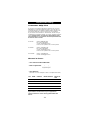
Quick Set-Up
The instructions below and on the next page
can be used to quickly install your new ONE
FOR ALL.
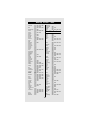
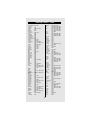
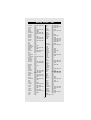
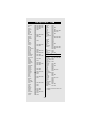
You can use the Quick Set-Up below with the
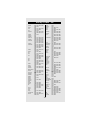
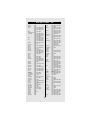
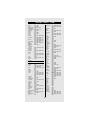
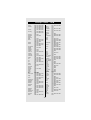
codes listed on pages 11-21. If this doesn’t
work, try the Quick Search on the next page.
The Quick Search can also be used even if
your brand is not listed at all.
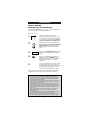
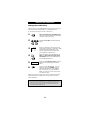
1. Press device key:
or
or
or
2. Press and hold
until the red light blinks
twice. Then release.
3. Enter
____
(4-digit code). See pages
11-21. The red light will
blink twice.
4. Aim remote at your
device and press
(or PLAY).
NOTES:
- Make sure your device is switched on.
- The instructions above are a “Quick”
set-up guide. For further explanation,
please refer to the pages within.
- Make sure you write your Set-Up codes
in the boxes provided inside the
battery compartment for easy future
reference.
2