1
Acquisition Interface
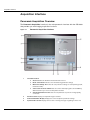
Patient Pane
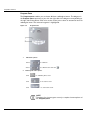
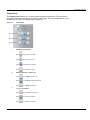
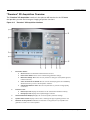
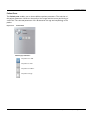
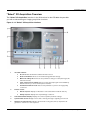
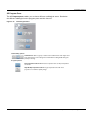
The Patient Pane enables you to choose different patient parameters. The selection of
the patient parameters influences the quality of the image. The selected parameters must
be based on the age and morphology of the patient .
Figure 3–3
1
2
3
Patient Pane
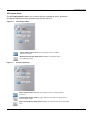
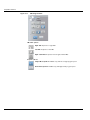
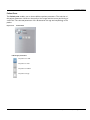
Patient type parameters:
Click
if the patient is a child.
Click
if the patient is small.
Click
if the patient is medium.
Click
if the patient is large.
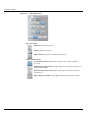
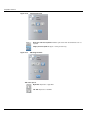
Patient dental arch morphology:
Click
for a square dental arch.
Click
for a normal shape dental arch.
Click
for a sharp dental arch.
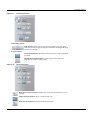
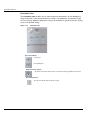
Incisors orientation:
Click
for a vestibular orientation.
Click
for an axial orientation.
Click
for a lingual orientation.
CS 9300 System User Guide (SM748)_Ed 01
3–5