1
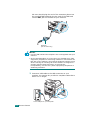
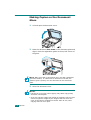
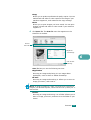
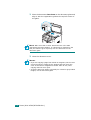
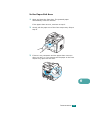
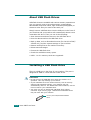
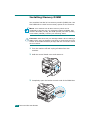
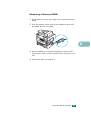
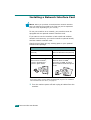
To install a USB flash drive, insert it into the USB port in the front
of your machine.
Once you have installed the USB flash drive, you can
immediately print files stored on it.
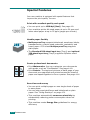
Scanning to USB Flash Drive
You can scan a document and save the scanned image on the
USB flash drive. There are two ways of doing this: you can scan
to the USB flash drive using the default settings, or you can
manually select your own settings.
Scanning With Default Settings
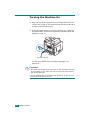
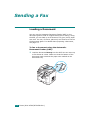
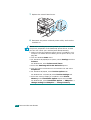
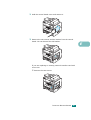
1 Load the document face up into the ADF.
OR
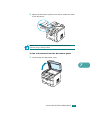
Place a single document face down on the document glass.
For details about loading a document, see page 7.6.
2 Make sure that the USB flash drive is inserted into the USB
port in the front of the machine. If necessary, insert the
flash drive. See page 10.2.
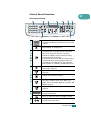
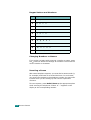
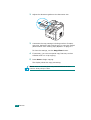
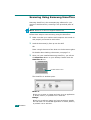
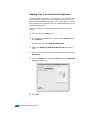
3 Press Scan-to on the control panel.
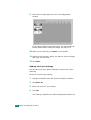
The first available menu item, “USB Memory,” appears on
the bottom line of the display.
USING USB FLASH DRIVE 10.3
10