1
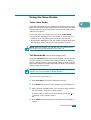
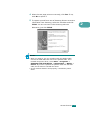
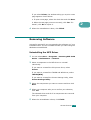
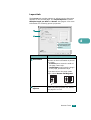
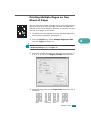
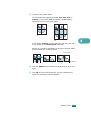
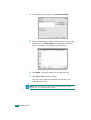
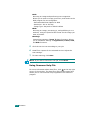
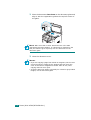
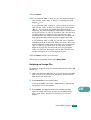
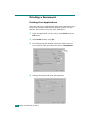
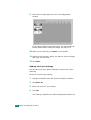
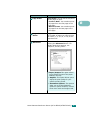
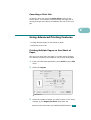
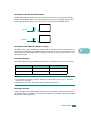
4 Select the page order on the Layout Direction option.
To print a border around each page on the sheet, select the
option you want on the Border drop-down list.
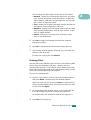
5 Click Print and the machine prints the selected number of
pages on one side of each page.
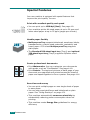
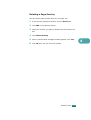
Scheduling a Print Job
You can set your machine to print a job at a future time.
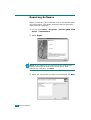
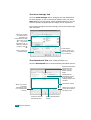
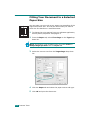
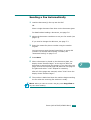
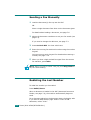
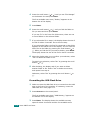
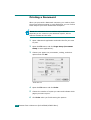
1 From your Macintosh application, select Print from the File
menu.
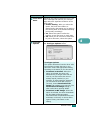
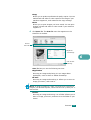
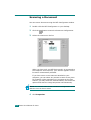
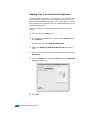
2 Select Scheduler.
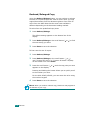
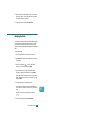
Mac OS 10.3
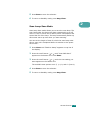
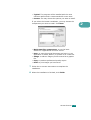
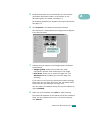
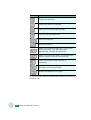
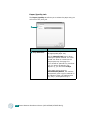
3 Select the time when you want the print job to be printed.
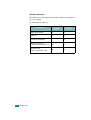
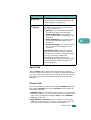
• Now: The machine prints a job immediately.
• At: The machine prints a job at the time you set in the
field.
• On hold: The machine holds a print job in the print
queue until you are ready to release it.
4 Select a priority for your print job on the Priority dropdown list.
5 Click Print.
C.8 PRINTING FROM
A
MACINTOSH (SCX-4520S/4720FS ONLY)