1
Chapter 2: Making Calls
This chapter shows you how to make calls, and the various
options available to you during your call.
Before making a call
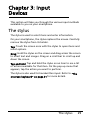
The phone function needs to be turned
on before you can make calls; you can
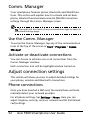
turn the phone on from the Comm. Manager (refer to “Comm. Manager” on
page 52).
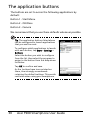
1. To access the Comm. Manager, tap any
of the icons at the top of the screen or
Start > Settings > Connections tab >
Comm. Manager.
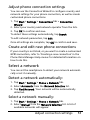
2. Tap the phone icon so it displays On.
Make a call
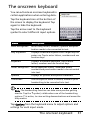
1. From the Home screen, press the Call
key to open the onscreen number pad
to enter the telephone number.
2. Press the Call key to make the call.
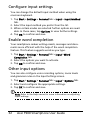
3. To end the call, press the End key or tap
End on the call screen.
Before making a call
21