1
MD-DR470H
ENGLISH
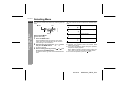
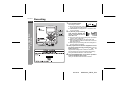
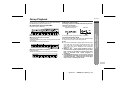
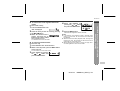
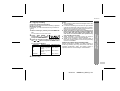
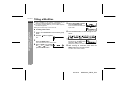
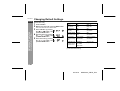
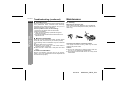
" To adjust playback speed
"
You can increase or decrease the playback speed.
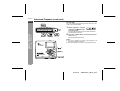
[On the remote control]
[On the main unit]
Within 10 seconds, select the speed by pressing
the
or
button.
Move " " to adjust the speed.
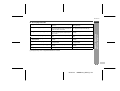
Slow
Fast
1
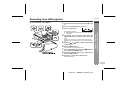
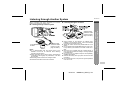
During playback, press the MENU button.
The unit enters the menu select mode.
2
3
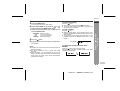
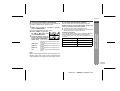
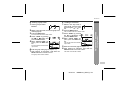
Select "PLAY SPEED" by
pressing the
or
button
and press the MENU button.
Select the speed by pressing
the
or
button and
press the MENU button.
To return to normal speed, select " 0%".
30%
20%
10%
5%
15%
Normal
3
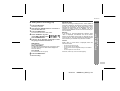
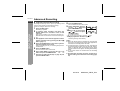
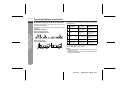
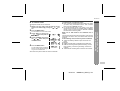
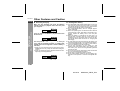
Press the MODE button to complete the setting.
To return to normal speed, move " " to the normal position.
-30%
-20%
-10%
0%
+ 5%
+15%
Slowest
Slower
Slow
Normal
Faster
Fastest
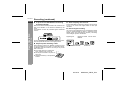
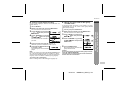
Notes:
! When you operate whilst in the stop mode, start playback
after setting is completed.
! "s" will blink if you switch display to clock whilst playback
speed is not set to normal.
! The playback speed is set to normal when you record or
change discs.
-Advanced Playback-
2
During playback, hold down the MODE button for
2 seconds or more.
Useful Features
1
E-30
02/12/18
MDDR470_SEEG_E.fm