1
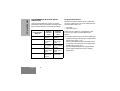
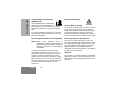
Short Press
Emergency*
To initiate an Emergency.
Long Press
Press and Hold
To cancel your radio’s Emergency
status.
—
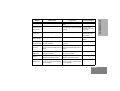
Monitor/Permanent Monitor
—
To continually monitor the selected
channel.
To monitor the
selected channel for
any activity.
Volume Set
—
—
To sound a tone for
adjusting the radio’s
volume level.
Battery Gauge
—
—
To check the battery’s
status.
Scan/Nuisance
Channel Delete
To toggle between the start/stop of
the Scan operation.
To delete a nuisance channel while
scanning.
—
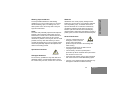
Tx Power
To toggle your radio’s transmit
power level between High and Low
power.†
To toggle your radio’s transmit
power level between High and Low
power.†
—
Repeater/
Talkaround
To choose to/not to transmit
through the repeater.†
To choose to/not to transmit
through the repeater.†
—
Squelch
To toggle your radio’s squelch level
between tight/normal squelch.†
To toggle your radio’s squelch level
between tight/normal squelch.†
—
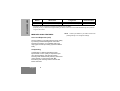
Option Board
To toggle the activation/deactivation of your radio’s option board (if
one is installed).†
To toggle the activation/deactivation of your radio’s option board (if
one is installed).†
—
5
English
GP140 USER GUIDE
Button