1
Chapter 21
Simplified AP Provisioning
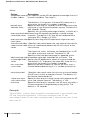
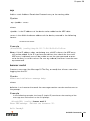
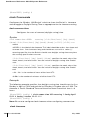
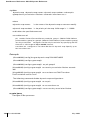
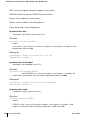
This is a streamlined example of the AP Programming Mode. This procedure
represents the most typical customization: setting the master Wireless LAN
switch IP address on the AP. In this example, DNS is not required.
NOTE—If you would like more control over AP configuration settings, or for
more details on any of the commands in the procedure, see “AP Programming Mode” on page 430.
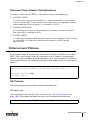
To perform simplified AP provisioning through the CLI, use the following procedure:
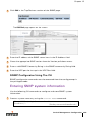
1
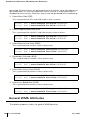
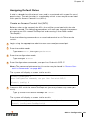
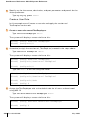
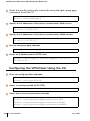
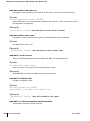
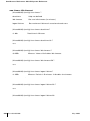
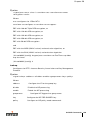
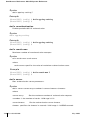
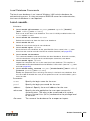
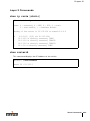
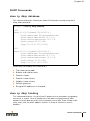
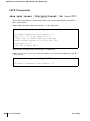
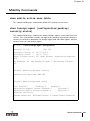
Enter the AP programming sub-mode on the switch:
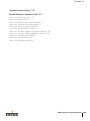
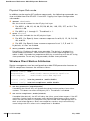
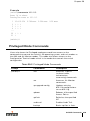
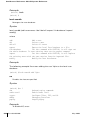
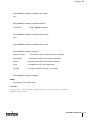
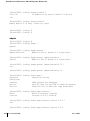
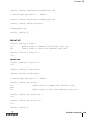
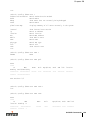
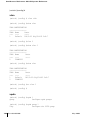
(Alcatel) # config terminal
(Alcatel) (config) # program-ap
2
(Enter configuration mode)
(Enter AP programming sub-mode)
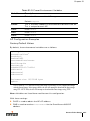
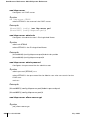
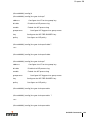
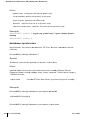
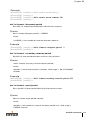
Enable AP programming mode on an available switch port or
port range:
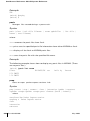
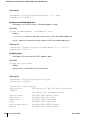
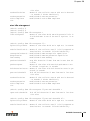
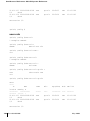
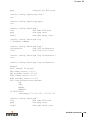
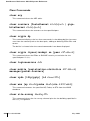
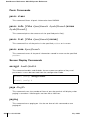
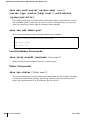
(Alcatel) (program-ap) # port-range <slot>/<start[-end]>(Specify AP programming port range)
(Alcatel) (program-ap) # enable
(Enable AP programming on the ports)
3
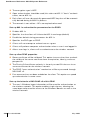
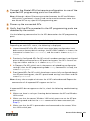
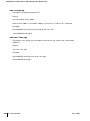
Connect the target APs to the specified AP programming ports
on the switch and power up the APs.
4
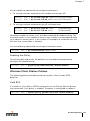
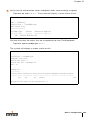
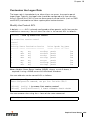
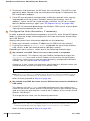
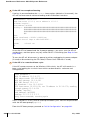
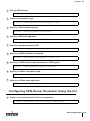
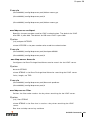
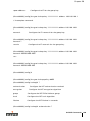
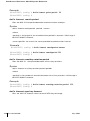
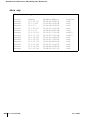
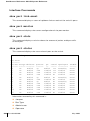
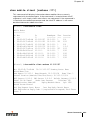
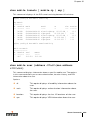
Verify that all target APs are detected by the switch.
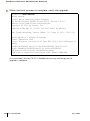
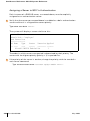
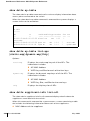
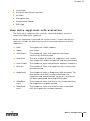
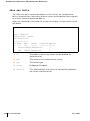
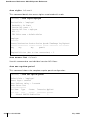
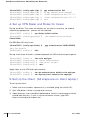
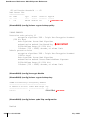
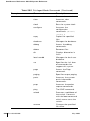
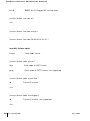
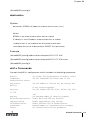
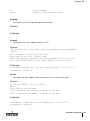
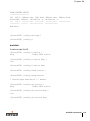
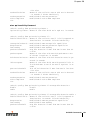
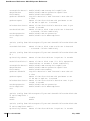
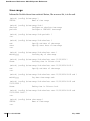
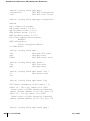
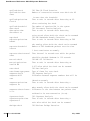
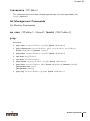
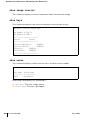
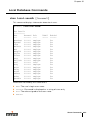
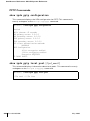
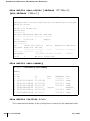
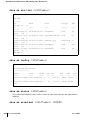
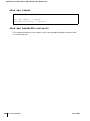
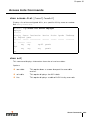
(Alcatel) (program-ap) # show provisioning-ap-list
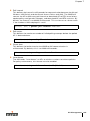
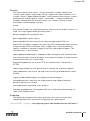
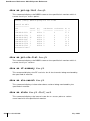
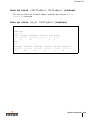
Detected APs will be shown on the provisioning list. It may take a couple minutes for all APs to be detected. Repeat the command until all expected APs
appear on the list.
5
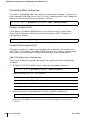
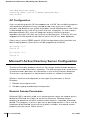
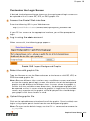
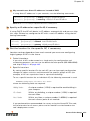
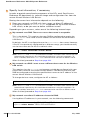
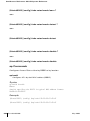
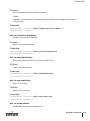
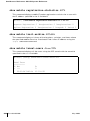
Configure the IP address of the host (master Wireless LAN
switch) for the AP.
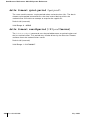
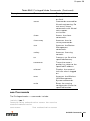
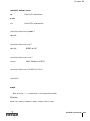
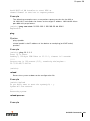
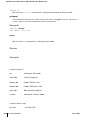
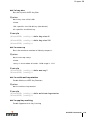
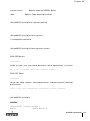
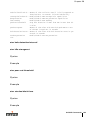
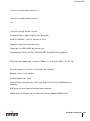
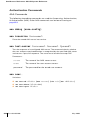
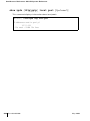
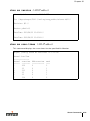
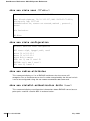
(Alcatel) (program-ap) # hostip <Wireless LAN switch IP address>
(Alcatel) (program-ap) # masterip <Wireless LAN switch IP address>
6
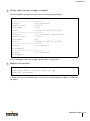
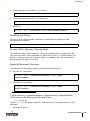
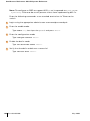
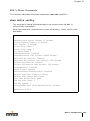
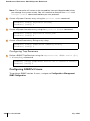
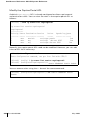
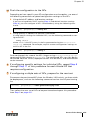
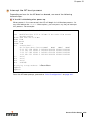
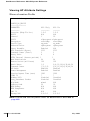
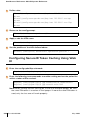
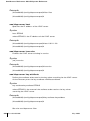
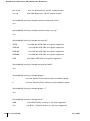
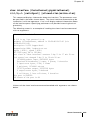
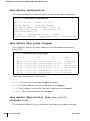
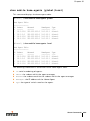
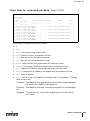
Verify the AP configuration settings.
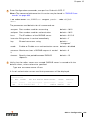
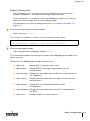
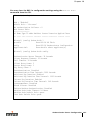
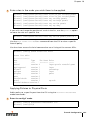
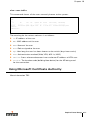
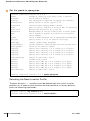
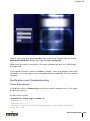
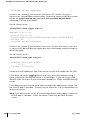
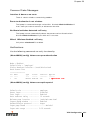
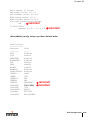
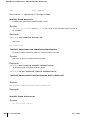
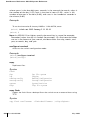
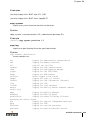
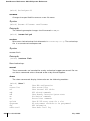
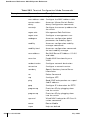
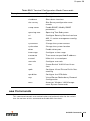
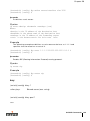
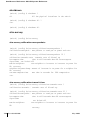
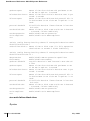
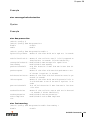
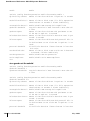
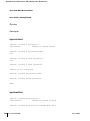
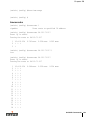
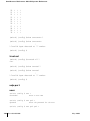
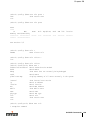
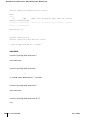
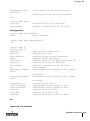
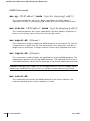
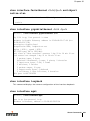
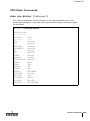
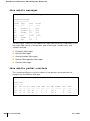
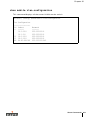
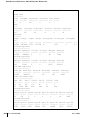
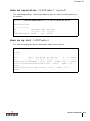
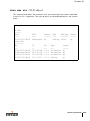
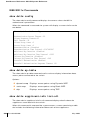
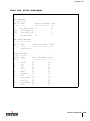
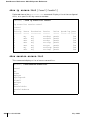
(Alcatel) (program-ap) # show ap-params
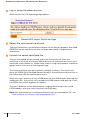
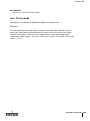
This command displays the settings that are ready to be uploaded to the APs.
Make any changes necessary before proceeding.
Access Point Setup
429