1
Chapter 6: Special features of SQC16
METTLER TOLEDO SQC16
54
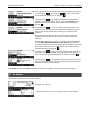
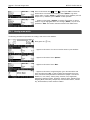
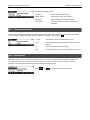
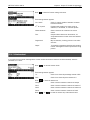
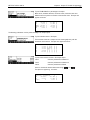
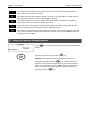
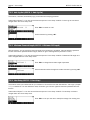
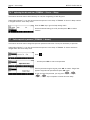
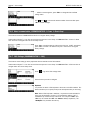
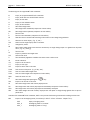
…end of statistics report. Press «
messages (see also «
Sample Report.
6.3
» or «C» to close the end of sampling
»/System/Messages). Press «Close» to close the
Sampling with batch
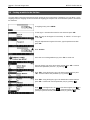
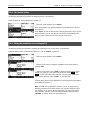
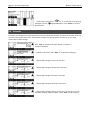
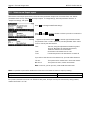
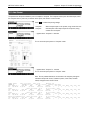
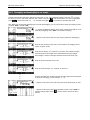
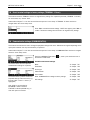
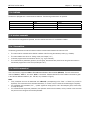
Batch sampling means to have a batch identification for sampling data. Each batch has its own batch statistics.
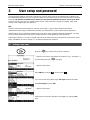
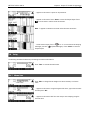
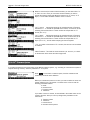
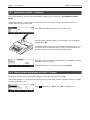
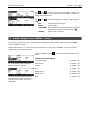
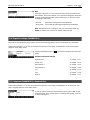
Activate batch sampling by pressing the «» and select the article you wish to use. Press "Options", then "Define", then
press « » until the parameter "Batch" is highlighted. Press «
» to activate batch sampling mode.
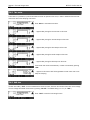
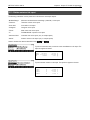
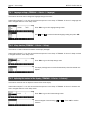
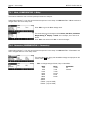
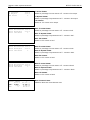
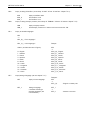
Press «Start» to commence sampling.
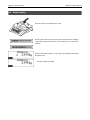
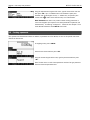
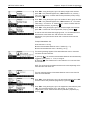
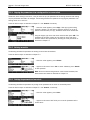
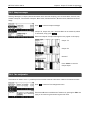
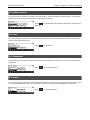
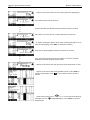
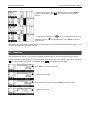
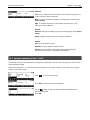
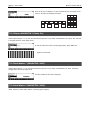
…appears on the screen. Using the keypad, type in the name of the batch
and then press the «OK»
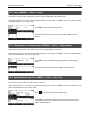
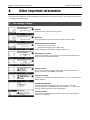
…appears on the screen. SQC16 is now ready for batch sampling.
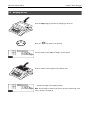
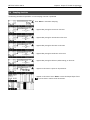
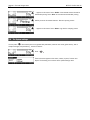
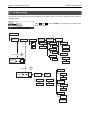
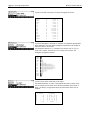
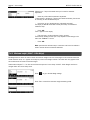
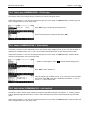
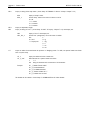
Place first sample on the scale.
•
•
•
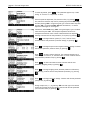
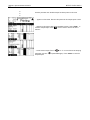
Continue procedure until the fifth sample has been placed on the scale
Continue procedure until the fifth sample has been placed on the scale
.…appears on the screen. Wait until the printout of the sample report is done.