1
Chapter – Networking Basics
Configuring a Static IP Address
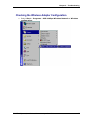
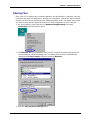
1. Select Start > Settings > Control Panel
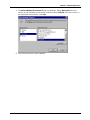
2. Double-click on Network.
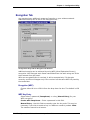
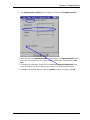
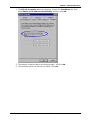
3. Highlight TCP/IP for USB 11Mbps Wireless Network and click the Properties
button.
Note: If TCP/IP is not present see the section on How to Install TCP/IP.
Multi-Tech Systems, Inc. Wireless Network Adapter User Guide
45