1
Preparing for a Network Connection
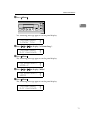
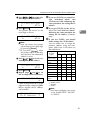
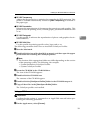
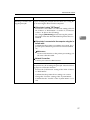
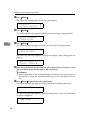
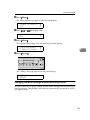
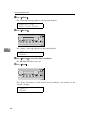
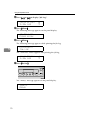
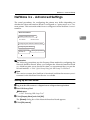
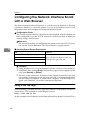
E To print using the NetBEUI protocol, click [NetBEUI].
F Click the printer you want to use, and click [Next >].
Reference
For more information on a particular item in the dialog box, see P.51 “Multidirect Print”.
2
Note
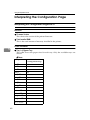
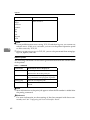
❒ You can identify the “Printer Name” and “Address” on the configuration
page printed by the printer.
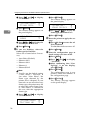
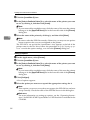
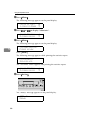
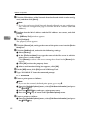
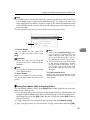
G Confirm that the port name of the printer is correct, and click [Next >].
If you did not select a printer in step F, you must type the port name.
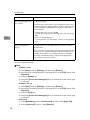
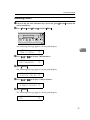
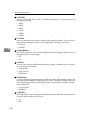
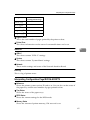
Typing the port name for use with the TCP/IP protocol
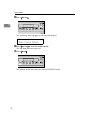
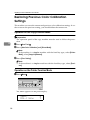
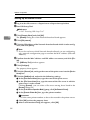
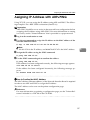
A Type the IP address of the Network Interface Board into the [IP address]
box.
You can type the host name or a domain name instead of an IP address into
the [Host Name] box.
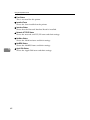
Limitation
❒ You cannot use a host name that begins with “%%”.
❒ You cannot use a port name that is already in use.
Note
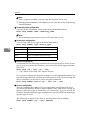
❒ When you use DHCP to assign IP addresses to Network Interface
Boards, you can use a printer name (Current Hostname on the network
configuration page) as the host name.
Typing the port name for use with the NetBEUI protocol
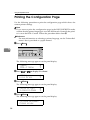
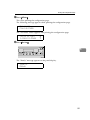
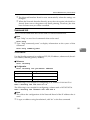
A Print a configuration page, and confirm the Network path name.
Reference
For more information on printing a configuration page, see the "Printer
Reference" included as a PDF file in the CD-ROM.
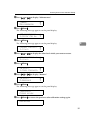
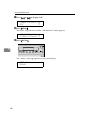
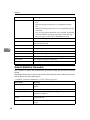
B Type the printer's network path name in the form of “%%Computer
name \Share name”. Do not type “\\” as head characters but “%%”.
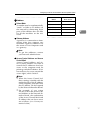
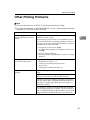
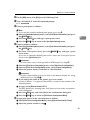
H Confirm the port name in the [Port Name] box, and click [Finish].
I In the [Printer Ports] dialog box, click [Close].
19