1
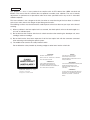
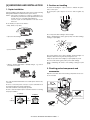
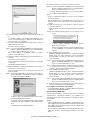
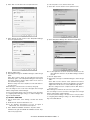
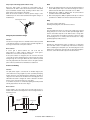
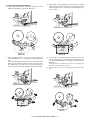
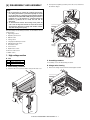
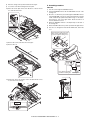
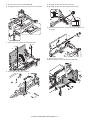
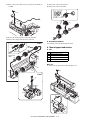
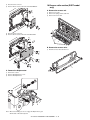
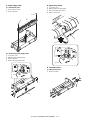
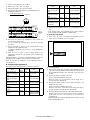
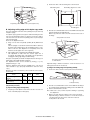
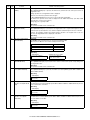
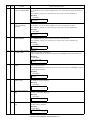
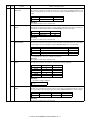
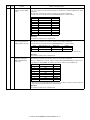
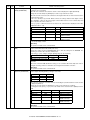
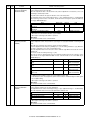
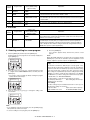
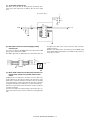
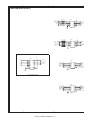
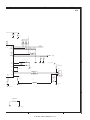
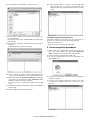
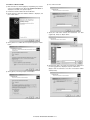
8) Move the carriage to the position indicated on the figure.
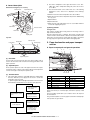
C. Assembly procedure
9) Loosen the screw which is fixing the tension plate.
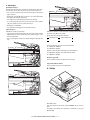
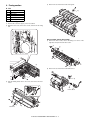
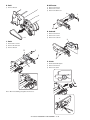
CCD core
10) Move the tension plate in the arrow direction to release the tension, and remove the belt.
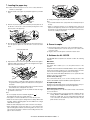
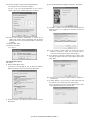
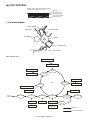
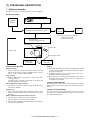
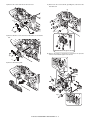
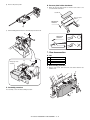
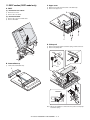
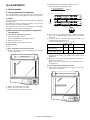
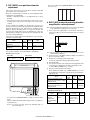
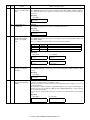
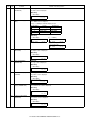
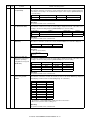
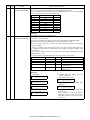
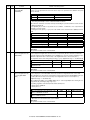
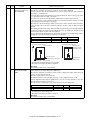
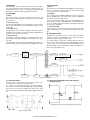
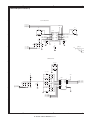
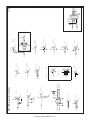
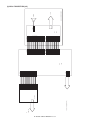
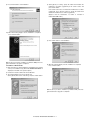
1) Pass the core through the CCD-MCU harness.
2) Insert the CCD-MCU harness into the CCD PWB connector of the
carriage unit.
3) Move the core which was passed through the CCD-MCU harness
near the CCD PWB connector as shown in the figure below, and fix
it with a filament tape (19mm wide, 40mm long). For the attachment reference, refer to the figure below. Clean and remove oil
from the attachment section.
3)
2)
4)
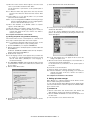
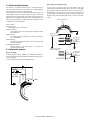
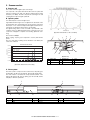
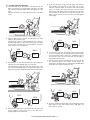
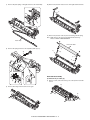
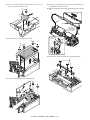
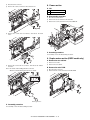
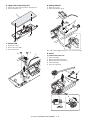
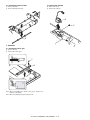
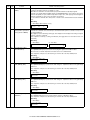
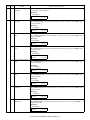
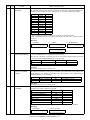
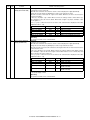
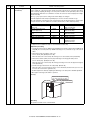
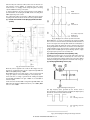
4) Attach the CCD-MCU harness to the duplex tape on the back of
the carriage unit.
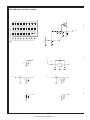
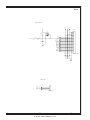
5) Attach the PWB holder to the position specified in the figure below.
6) Pass the core through the FFC and the PWB holder, and fix the
core.
1)
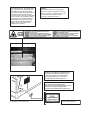
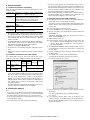
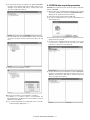
Note: Attach the FCC to the base
plate securely with duplex tape
to prevent against coming loose.
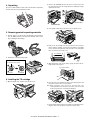
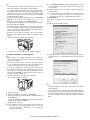
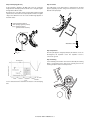
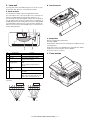
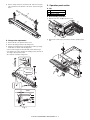
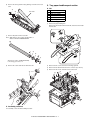
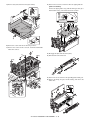
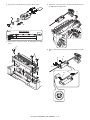
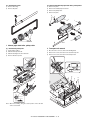
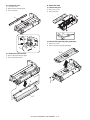
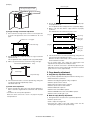
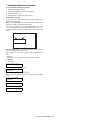
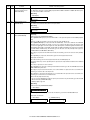
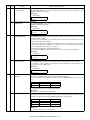
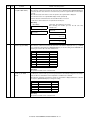
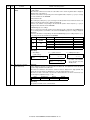
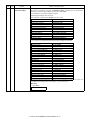
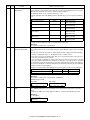
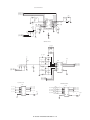
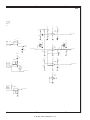
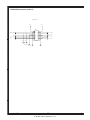
11) Remove the screw, and remove the rod stopper.
12) Remove the rod.
3)
2)
1)
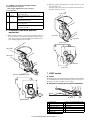
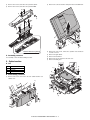
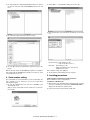
13) Lift the rear side of the carriage, remove the belt and the connector, and remove the carriage.
4)
1)
2)
3)
AL-1651CS DISASSEMBLY AND ASSEMBLY 8 - 4
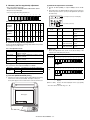
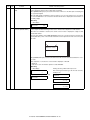
Note: Attach the FCC to
fit with the marking line.
Marking line.