1
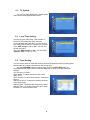
8.3 HDD Format
In this menu, you can format the HDD by
selecting “Format” and pressing “OK”.
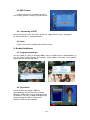
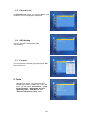
8.4 DVR Configuration
In this menu, you can set Time Shift ON or OFF, Record Type and Record Selection.
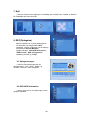
8.5 Jump
In this menu, you can set the jump time.
9. Other functions introduction
9.1 Program information
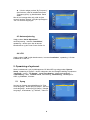
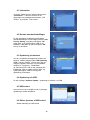
If you press the INFO button once, a banner is displayed on the upper part of the screen,
and if you press the button again before the upper banner is disappeared, the banner will
show the details of the currents channel.
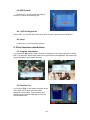
9.2 Favorite List
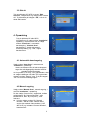
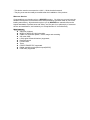
If you press “FAV” on the remote controller at No
menu state, the favorite group list will be
displayed on the screen. You can select one
favorite group and press “OK” key to enter the
favorite channel list.
13