1
ENGLISH
Digital Still Camera Mode (VP-D353(i)/D354(i)/D355(i) only)
VP-D353(i)/D354(i)/D355(i)
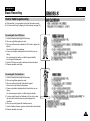
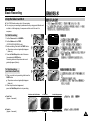
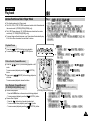
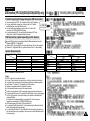
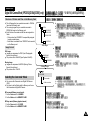
Selecting the Image Quality
✤ Photo Quality function works in Player/M.Cam modes.
✤ You can select the quality of a still image to be recorded.
✤
✤
2
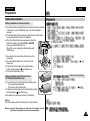
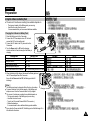
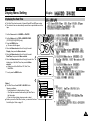
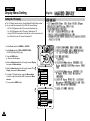
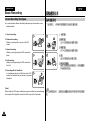
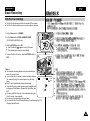
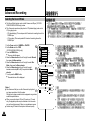
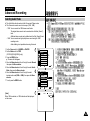
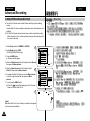
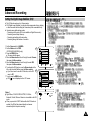
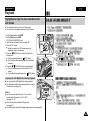
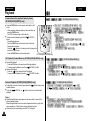
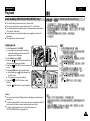
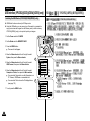
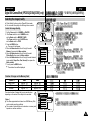
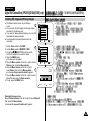
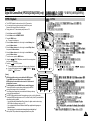
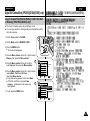
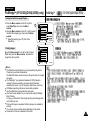
Select the Image Quality
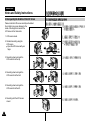
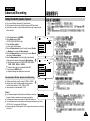
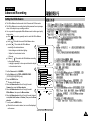
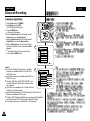
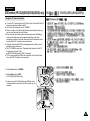
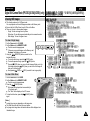
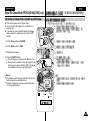
1. Set the Power switch to CAMERA or PLAYER.
2. If the Power switch is set to CAMERA mode,
set the Mode switch to MEMORY CARD.
If the Power switch is set to PLAYER mode,
set the Mode switch to TAPE.
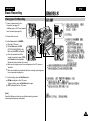
3. Press the MENU button.
■ The menu list will appear.
4
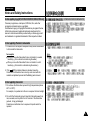
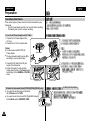
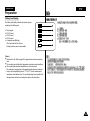
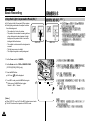
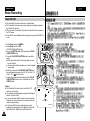
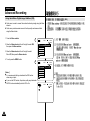
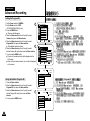
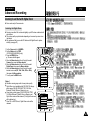
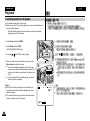
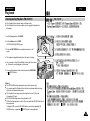
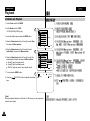
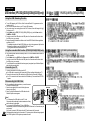
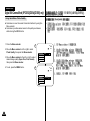
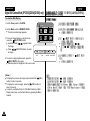
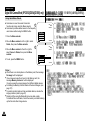
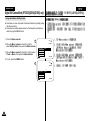
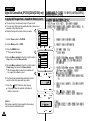
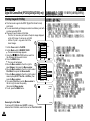
4. Move the Menu selector to the left or right to select
Memory, then press the Menu selector.
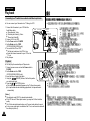
5. Move the Menu selector to the left or right to select
Photo Quality, then press the Menu selector.
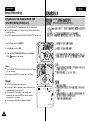
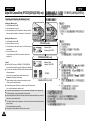
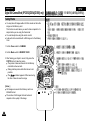
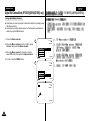
6. Move the Menu selector to the left or right to select desired
image quality (Super Fine, Fine, Normal), then press the
Menu selector.
7. To exit, press the MENU button.
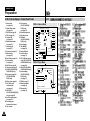
■ The selected icon will be displayed
M.Cam Mode
√Memory
Photo Quality
File No.
Move
■
√Super Fine
√Series
Select
MENU
Exit
■
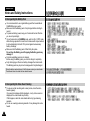
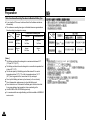
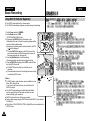
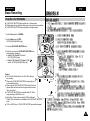
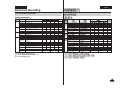
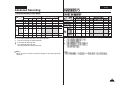
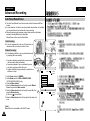
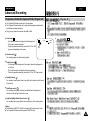
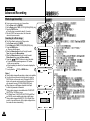
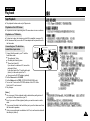
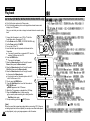
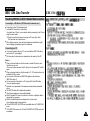
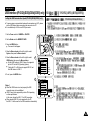
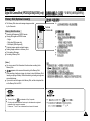
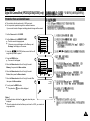
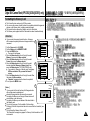
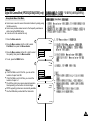
Number of Images on the Memory Card
QUALITY
Super Fine
Fine
Normal
8MB
Approx. 34
Approx. 45
Approx. 74
The actual number of images that you can record varies
depending on the nature of the subject to be recorded.
16MB
Approx. 68
Approx. 90
Approx. 148
5
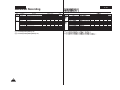
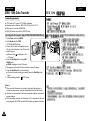
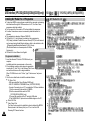
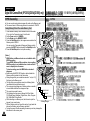
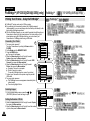
[ Notes ]
■ The above approximation is based on a 8MB Memory Stick
under normal recording conditions.
■ The number of pictures that can be stored on a memory card
depends on various conditions.
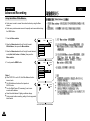
M.Cam Mode
Back
Photo Quality
File No.
Super Fine
Fine
Normal
■
■
Move
Select
MENU
Exit
91