1
OfficeServ 500 Programming Guide/Ed.01
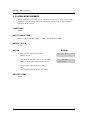
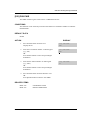
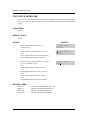
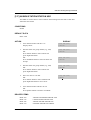
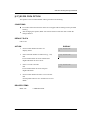
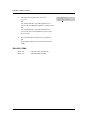
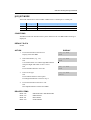
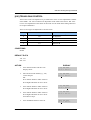
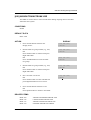
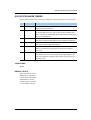
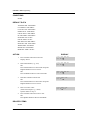
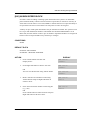
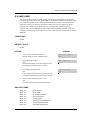
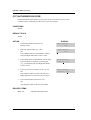
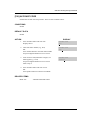
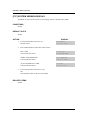
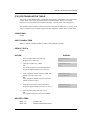
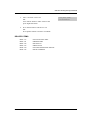
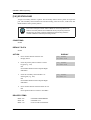
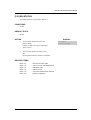
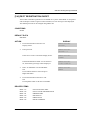
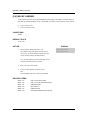
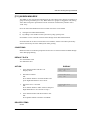
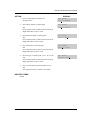
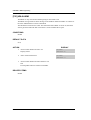
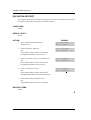
[315] CUSTOMER SET RELOCATION
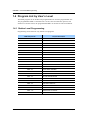
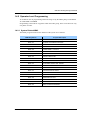
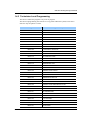
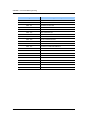
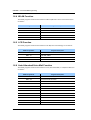
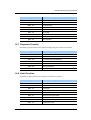
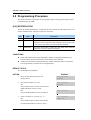
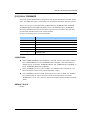
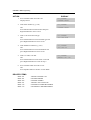
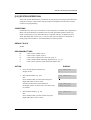
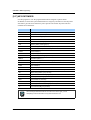
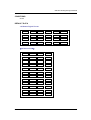
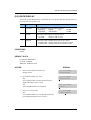
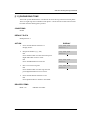
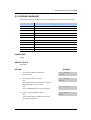
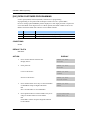
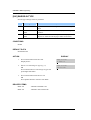
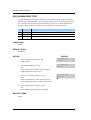
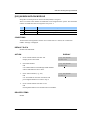
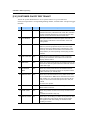
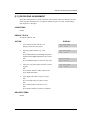
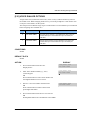
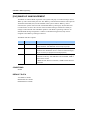
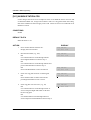
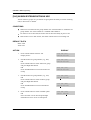
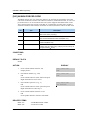
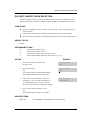
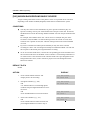
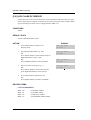
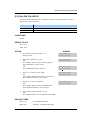
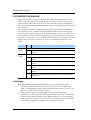
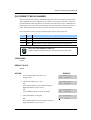
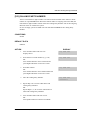
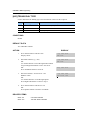
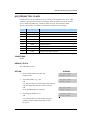
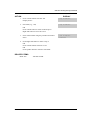
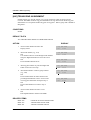
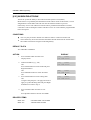
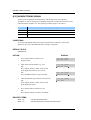
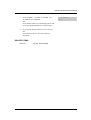
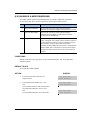
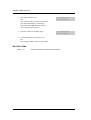
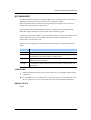
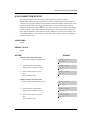
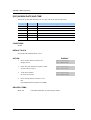
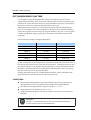
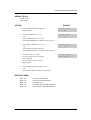
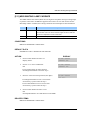
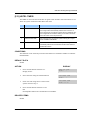
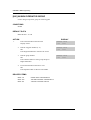
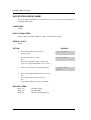
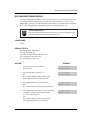
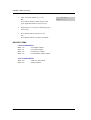
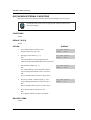
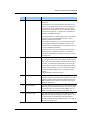
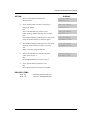
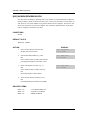
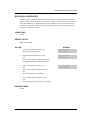
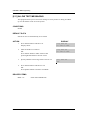
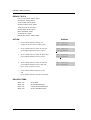
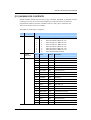
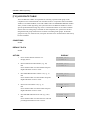
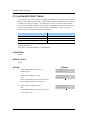
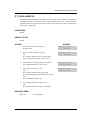
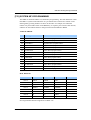
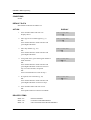
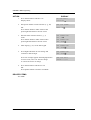
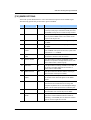
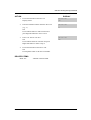
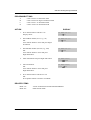
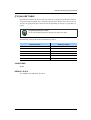
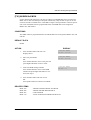
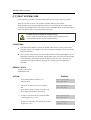
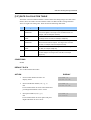
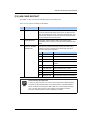
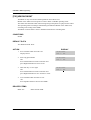
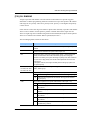
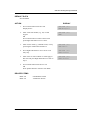
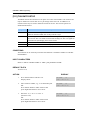
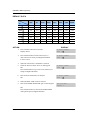
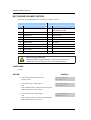
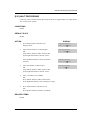
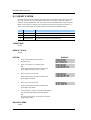
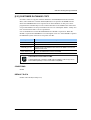
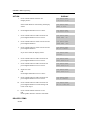
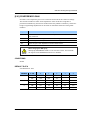
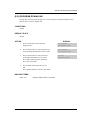
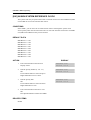
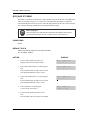
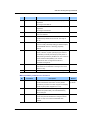
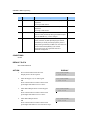
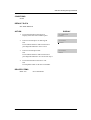
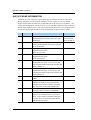
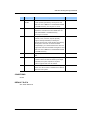
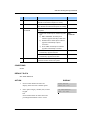
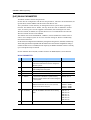
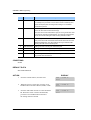
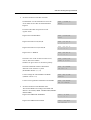
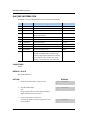
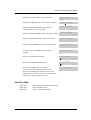
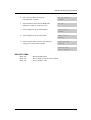
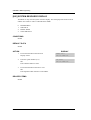
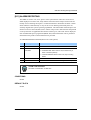
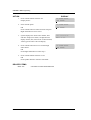
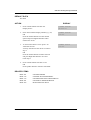
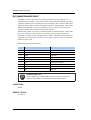
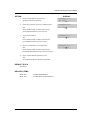
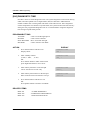
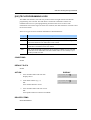
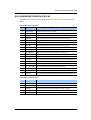
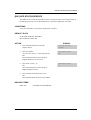
Customer Set Relocation allows System Administration level or Technician level access to
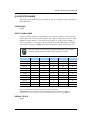
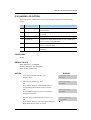
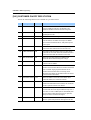
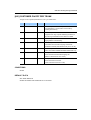
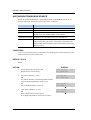
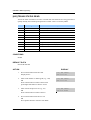
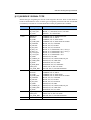
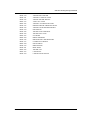
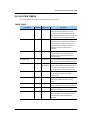
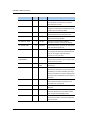
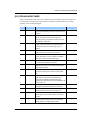
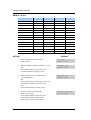
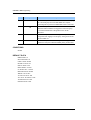
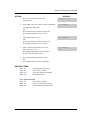
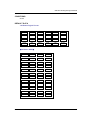
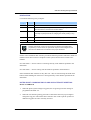
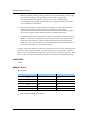
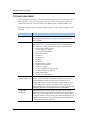
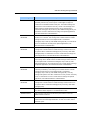
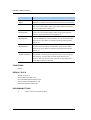
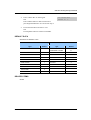
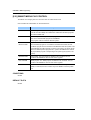
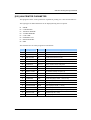
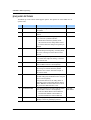
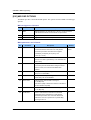
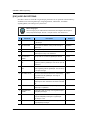
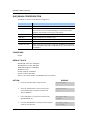
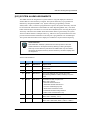
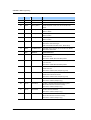
relocate or exchange similar stations in the system without wiring changes(see Allow Table
below). This program is a one for one exchange with like stations.(e.g., Single line to single
line, 6 button phone to 6 button phone, etc.) All individual station assignments such as
trunk ring, station group, station COS, station speed dial, button appearances, etc. will
follow the Customer Set Relocation program. 12 button phones and 24 button phones can
be exchanged. 48 button modules and 64 button modules can also be exchanged. Single
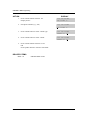
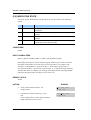
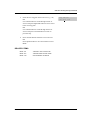
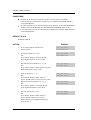
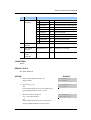
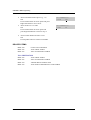
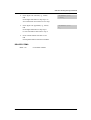
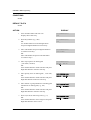
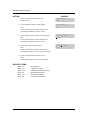
line stations numbers can be exchanged. If incompatible set types are selected the system
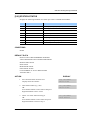
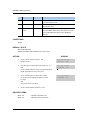
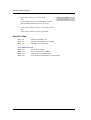
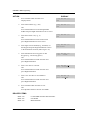
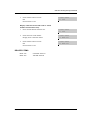
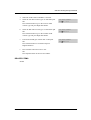
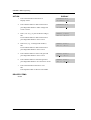
will provide an ERROR: NO MATCH message. If 48 or 64 button module units are to be
exchanged the Master assignment must be removed prior to using Customer Set relocation.
If the 48 or 64 button module Master station is not removed the error code ERROR: NOT
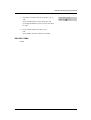
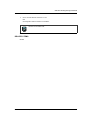
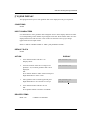
ALONE will appear on the LCD display. A station must be in the idle state(on hook) to
perform Customer Set Relocation. If a wired location has a station port connected but no
telephone instrument the Customer Set Relocation program will allow set relocation as
long as the station types are similar.
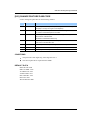
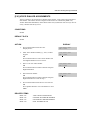
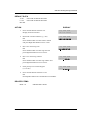
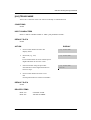
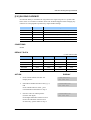
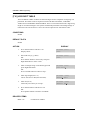
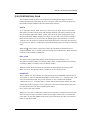
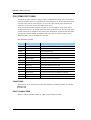
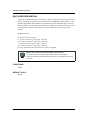
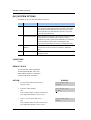
12 button and 24 button assignments should be taken in consideration when relocating
these types of sets due to the button configurations of the instruments.
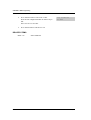
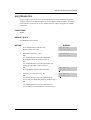
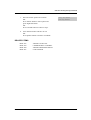
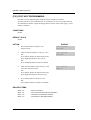
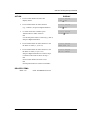
If a 12 button set and a 24 button set are exchanged using the Customer Set Relocation
program the first twelve buttons on the 24 button set will have the button programming of
the 12 button set. The 12 button set will then have the programming of the first twelve
buttons of the 24 button set. In other words, when exchanging 12 and 24 button set only the
first twelve buttons will swapped.
© SAMSUNG Electronics Co., Ltd.
2-91