1
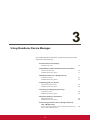
Using ViewSonic Device Manager
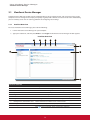
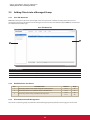
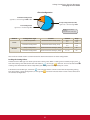
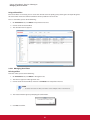
Managing All Your Clients
Client Configuration
Individual Configuration
applied to a client through VDM or VCS
Group Configuration (Profile)
applied to a client through VDM
Local Configuration
applied to a client through VCS
VDM: ViewSonic Device
Manager
VCS: ViewSonic Client Setup
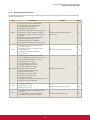
Method
Configuration Type
Console
Section
Page
Local configuration
ViewSonic Client Setup (VCS)
4.2
4.5
115
124
Individual configuration
ViewSonic Client Setup (VCS)
4.2
4.5
115
124
Group configuration
ViewSonic Device Manager (VDM)
3.4.11
58
Individual configuration
ViewSonic Device Manager (VDM)
3.4.13
64
Local
Remote
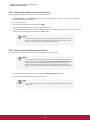
Please refer to related sections as shown above for detailed instructions on client configuration.
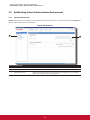
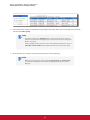
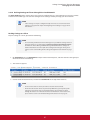
Locking the Setting Values
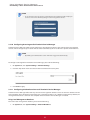
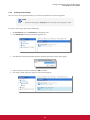
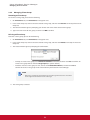
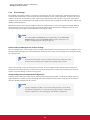
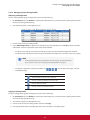
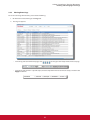
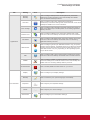
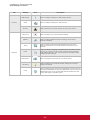
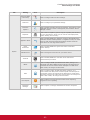
ViewSonic Device Manager also allows you to lock a setting value. When a setting value is locked, the gray lock
) or orange (
) lock icon. You are not allowed to lock
icon of the setting value will become the secured blue (
a setting value with ViewSonic Client Setup when you manage client settings locally on a client.
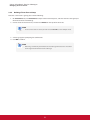
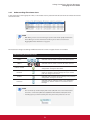
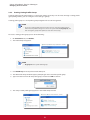
icon indicates that the current value of the corresponding setting
In ViewSonic Device Manager, a blue lock
icon then indicates that the value or data comes from
item comes from a group configuration; an orange lock
an individual configuration.
55