1
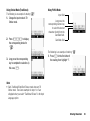
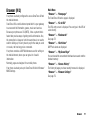
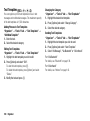
Setting Languages for Cell Broadcast Messages
“Messages” → “Cell Broadcasts” → “Settings” →
“Language”
1. Highlight the desired language and press B to check.
2. Press [Save].
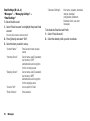
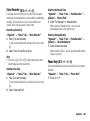
Subscribing to Cell Broadcasts
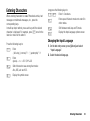
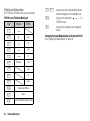
Select the page of the cell broadcast message that you want.
“Messages” → “Cell Broadcasts” → “Settings” → “Set
Info Subjects”
1. Press B.
2. Highlight the desired subject and press B to check.
3. Press [Save].
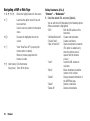
Assigning a New Subject
You can create a subject if the desired subject is not in the Cell
Broadcasts list.
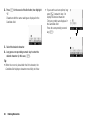
“Messages” → “Cell Broadcasts” → “Settings” → “Set
Info Subjects”
1. Press [Options] and select “Create Subject”.
2. Enter a 3-digit subject code.
3. Enter a name for the new subject.
4. Press [OK].
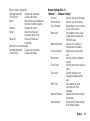
Note
• Enter the subject code in 3 digits. For example, enter “085”
for code 85, and “009” for code 9.
• The existing subject code cannot be assigned to a new
subject.
• To enable the created subject, select the subject in the Cell
Broadcasts list. For details on enabling the subject, see
“Subscribing to Cell Broadcasts”.
Messages
71