1
Quadro Manual III: Extension User's Guide
About this Extension User's Guide
About this Extension User's Guide
The Quadro Manual is divided into three parts:
•
•
•
Manual-I: Installation Guide
gives step-by-step instructions to provision the Quadro IP PBX and configure the phone extensions with the Epygi SIP Server. After
successfully configuring the Quadro IP PBX, a user will be able to make SIP phone calls to remote Quadro devices, make local calls to the
PSTN and access the Internet from devices connected to the LAN.
Manual-II: Administrator's Guide that explains all Quadro IP PBX management menus available for administrators only. It includes a list of
all System Default Values.
Manual-III: Extension User's Guide explains all Quadro management menus available for extension users. A list of all call codes can be
found here in Extension User’s Guide.
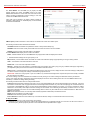
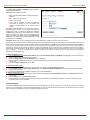
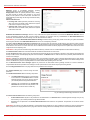
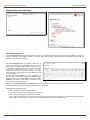
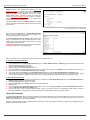
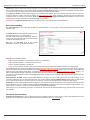
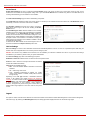
This guide contains many example screen illustrations. Since Quadro IP PBXs offer a wide variety of features and functionality, the example screens
shown may not appear exactly the same for your particular Quadro IP PBX as they appear in this manual. The example screens are for illustrative
and explanatory purposes, and should not be construed to represent your own unique environment.
Quadro’s Feature Codes explains all call codes available for extension users.
Quadro’s Auto Attendant Services explains the operating mode of Quadro's auto attendant and lists the call codes that may be used to enter the
auto attendant.
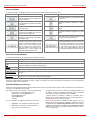
Quadro’s Graphical Interface explains the Quadro's graphical user interface and explains all recurrent buttons.
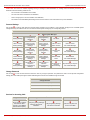
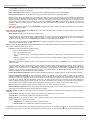
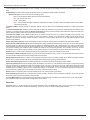
Extension User’s Main Page explains the input options available for extension users and administrators. The input options may be selected from
the extension user's main page Extension Settings.
Appendix: Glossary explains various technical terms.
Quadro2x, 2xi, Quadro4x, 4xi, Quadro16x, 16xi; (SW Version 5.2.x)
4