1
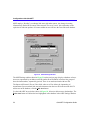
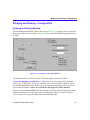
Configuration with QuickSET
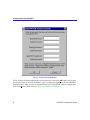
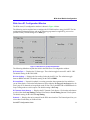
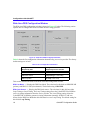
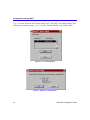
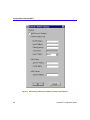
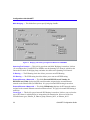
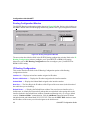
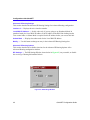
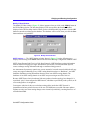
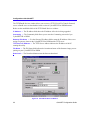
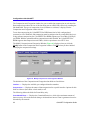
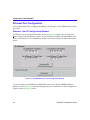
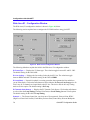
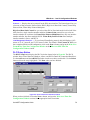
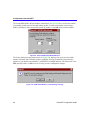
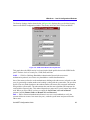
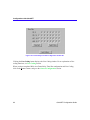
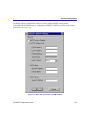
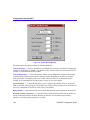
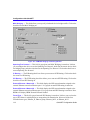
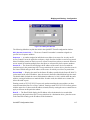
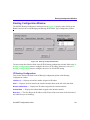
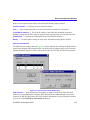
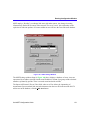
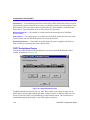
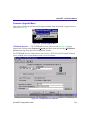
Figure 4 Ethernet 1 and 2 Configuration Window
Local Ethernet (1 and 2) IP Address — Displays the IP Address for the Local Ethernet
interface selected (Ethernet 1 or Ethernet 2). Place the cursor in this field and type the preferred IP
Address in Dotted Decimal Notation (DDN) format. The Local Ethernet 1 IP Address must be
entered in order to continue configuration.
Local Ethernet (1 and 2) Subnet Mask — The Subnet Mask takes the same form as an IP
address; four groups of three decimal digits, separated by periods. Each group must be in the
numerical range of 0 to 255. When you click on the Subnet Mask field (the first time you use
QuickSET), a default Subnet Mask displays, based on the IP address you entered.
If you wish to use a different Subnet Mask, enter it at this time in DDN format. The Local
Ethernet 1 Subnet Mask must be entered in this field to continue.
4
QuickSET Configuration Guide